Security Administrators
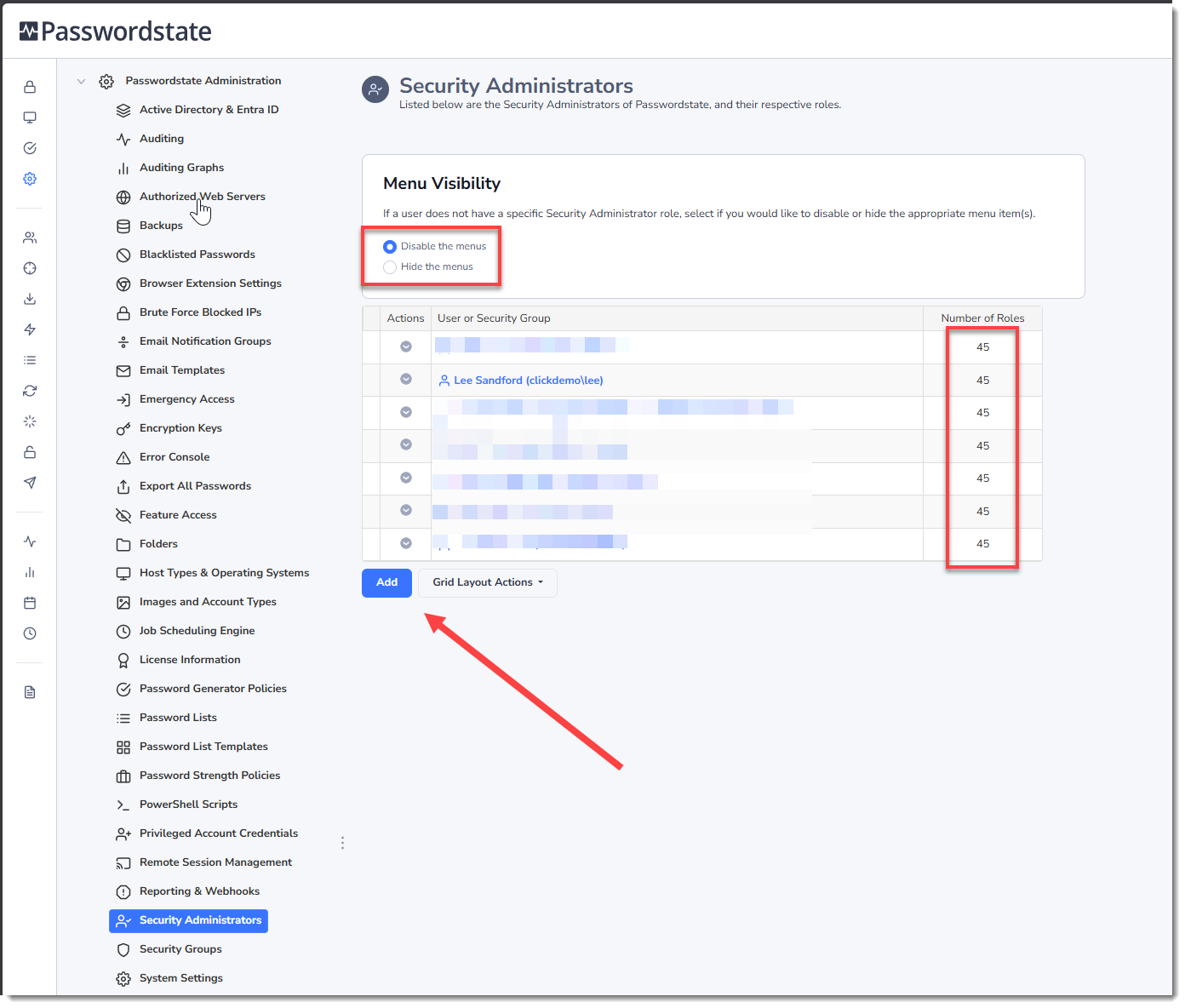
The Security Administrator role in Passwordstate provides access to one or more features in the Administration area. If a user's account is not set up as a Security Administrator, the Administration Menu will not be visible to them.
There is a one-to-one mapping of Security Administrator roles to each of the Nodes/Features you see in the Administration Navigation Tree.
Note: To ensure there is a clear separation of elevated privilege responsibilities within Passwordstate, you cannot modify any Security Administrator role settings for your own account - another Security Administrator will need to do this for you. As such, Click Studios recommends you have at least 2 Security Administrators assigned, otherwise you may need to use the Emergency Access account to make changes to this role if required.
Simply click the Add Button to look up an existing Passwordstate user, and you can select one or more Security Administrator roles for that account. You have the option to Disable the roles they do not have access to, or instead you can Hide the role from the screen making for a simplified version of the Administration page: