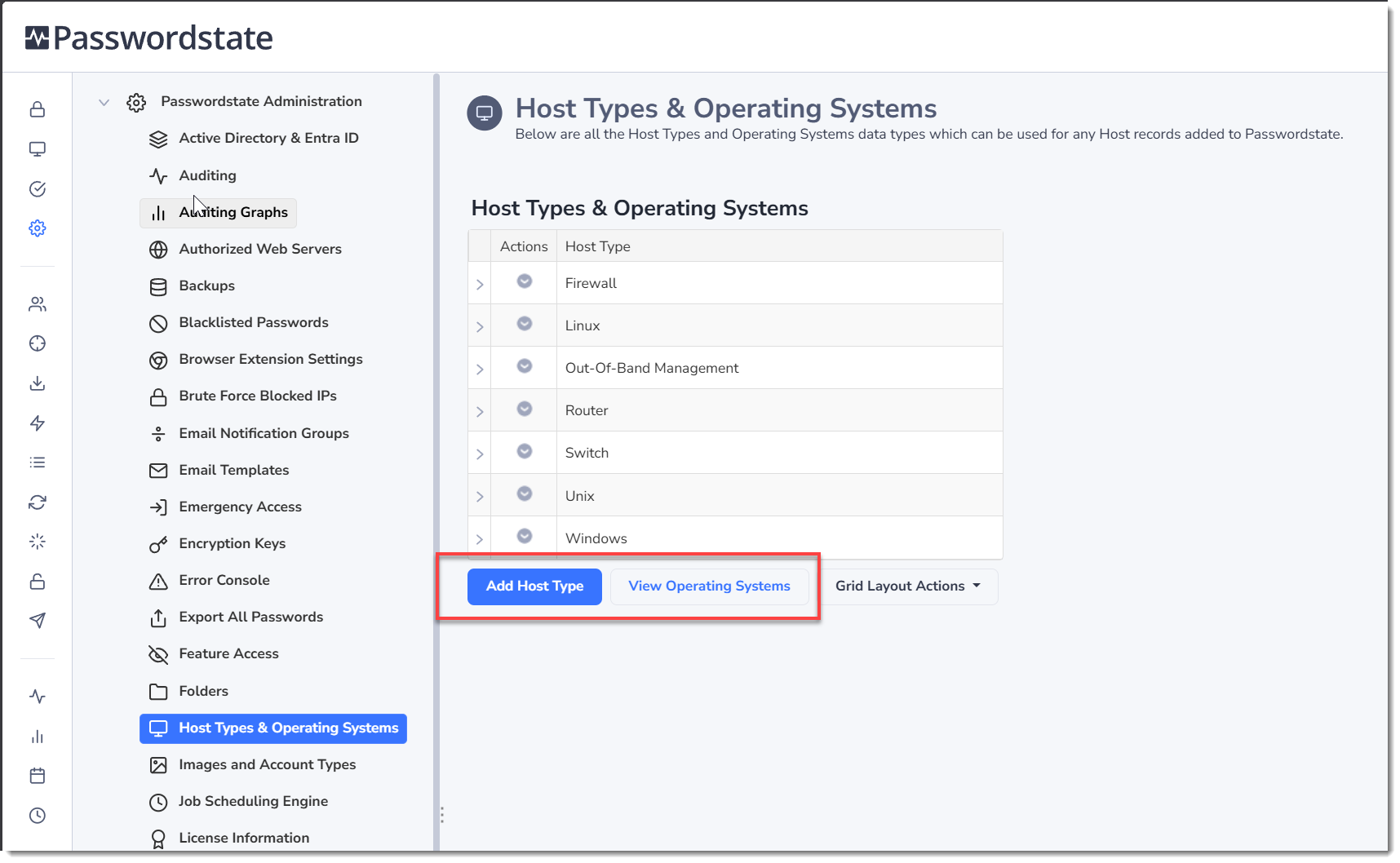
Host Types & Operating Systems
As per the title, the Host Types & Operating Systems screen allows you to add additional Host Types and Operating Systems which can be associated with Host records in Passwordstate.
Simply add or delete Host Types and Operating System types as appropriate.
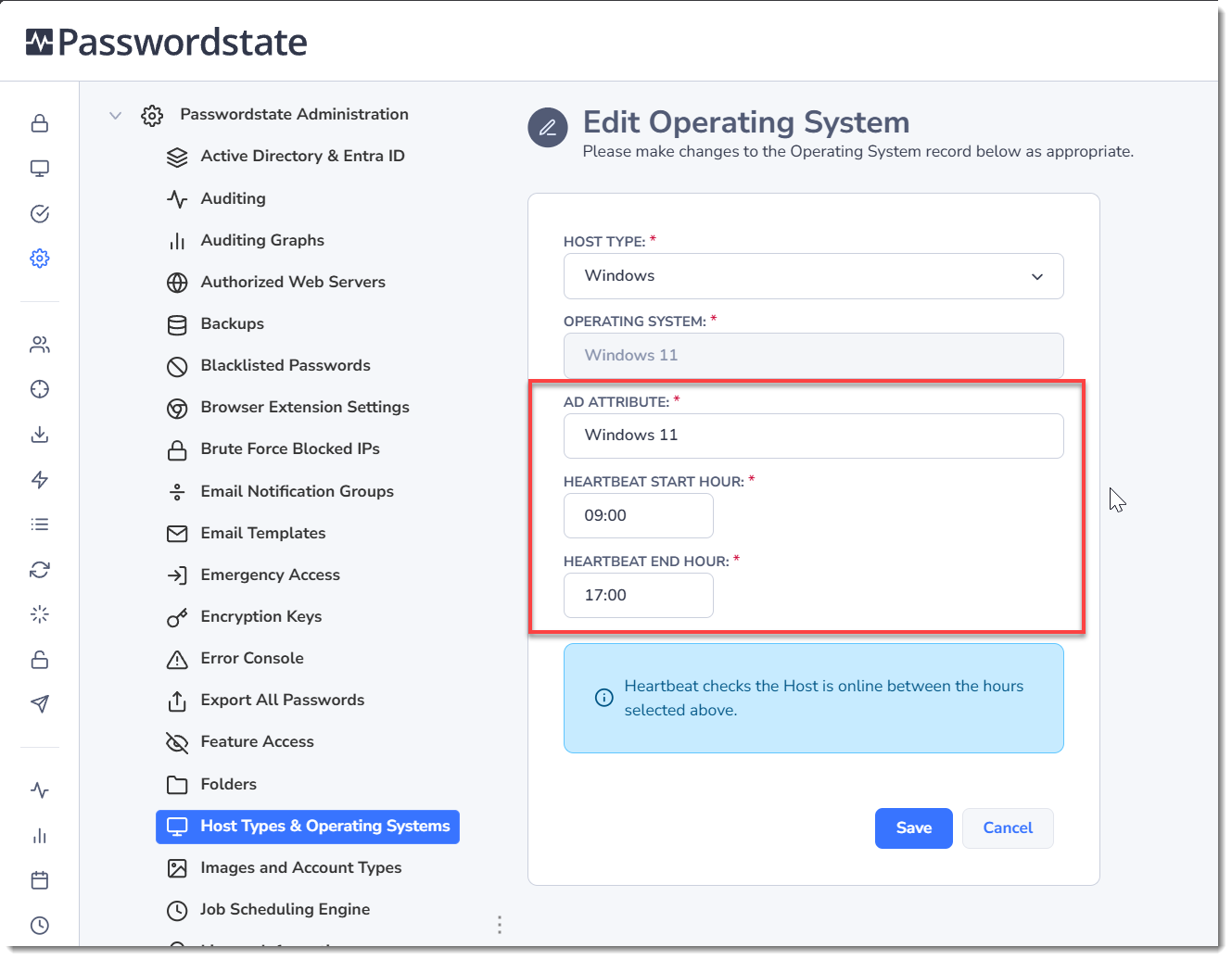
When adding a new Operating System, or editing an existing one, you should set the Active Directory Attribute appropriately. This will allow you to perform Discovery Jobs in AD for this type of operating system. If your OS won't be part of your Active Directory, set the AD Attribute to be the same as the Operating System name. This value won't actually be used, if you are not intending on doing Discovery jobs in AD for these operating systems.
You can also set the heartbeat Start and End hour, as per the screenshot below. This will force Passwordstate to only perform a heartbeat against the Host during those hours, that is tagged with this operating system. A heartbeat for Hosts is just a quick connection test Passwordstate performs once per day, to check if the host is online and is contactable.