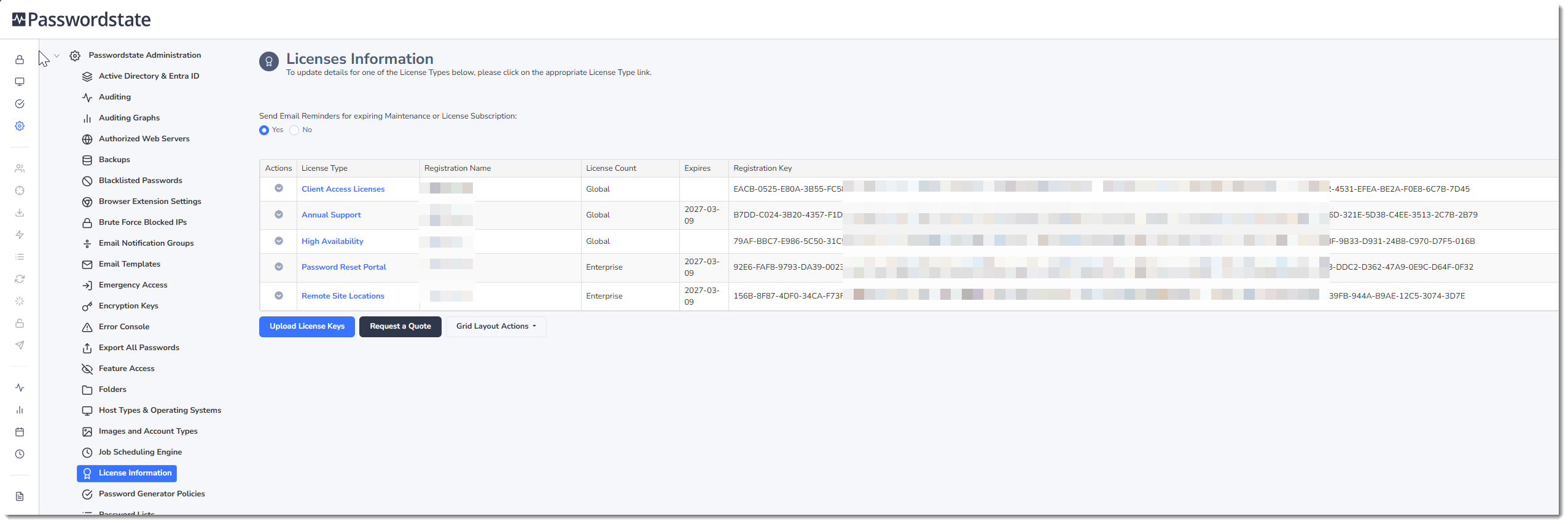
License Information
The License Information screen allows you to update your license registration keys for Passwordstate.
When purchasing licenses, or renewing annual support with the click Studios Sales team, you will be provided a text file contain your licenses keys. Simply click on the Update License Keys button and either drag and drop that text file into your browser, or click the Browse button and navigate to the file on disk.
Once you have uploaded a valid license file, you will be automatically redirected back to the main license page screen, and this completes the process.
Note 1: When you purchase your renewal for Annual Support + Upgrades, it's import you update your 'Annual Support' registration key on this screen, otherwise you will be prevented from upgrading to new builds of Passwordstate.
Note 2: If you were to purchase a subscription for the Password Reset Portal, or Remote Site Locations modules, Click Studios will always ensure your Passwordstate Maintenance and Subscription dates are always properly co-terminated.
If needed, you can also use the Request a Quote button on this page to purchase additional licenses, or contact our Sales team on sales@clickstudios.com.au