Images and Account Types
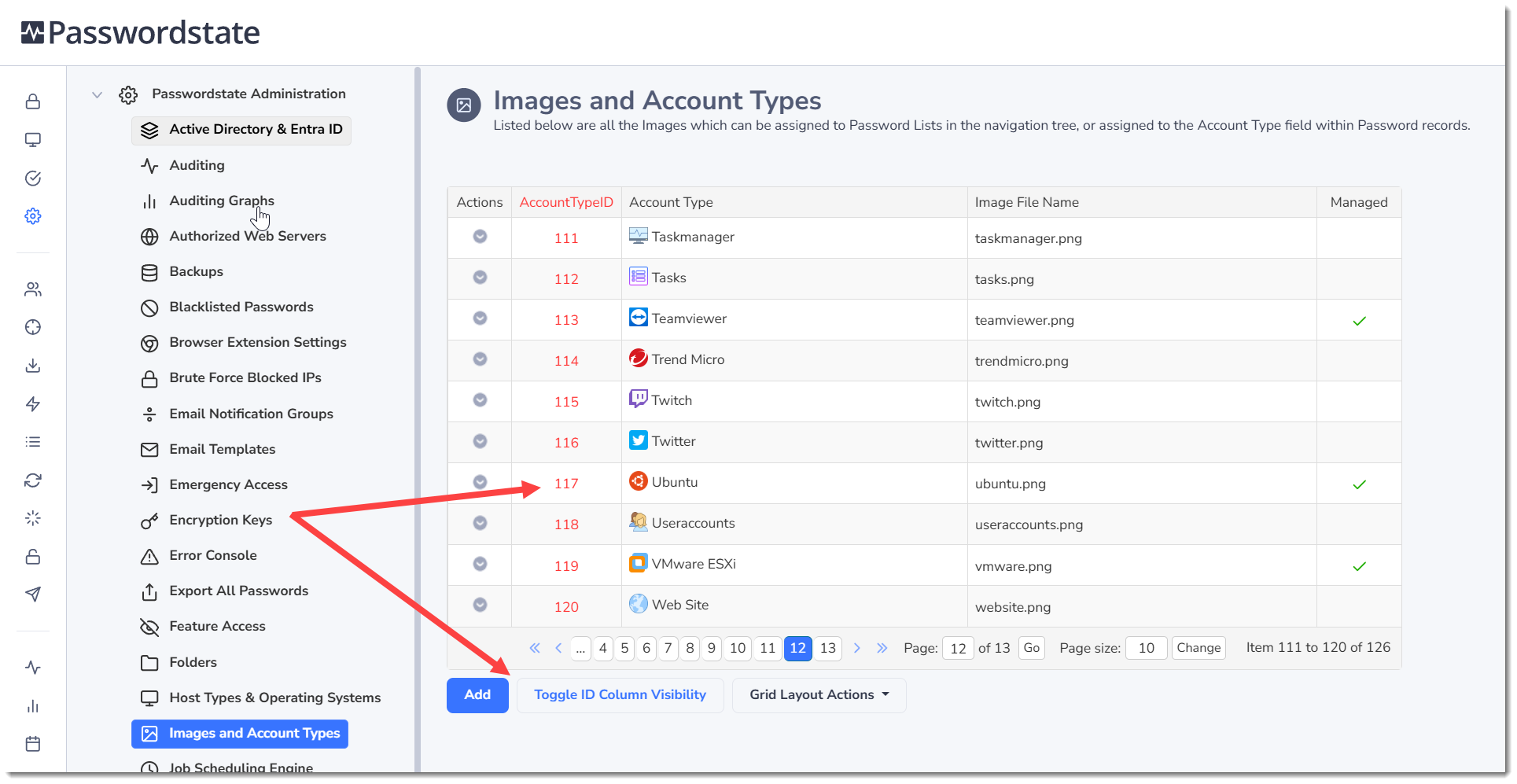
The Images and Account Types screen allows you to upload images which can be used as icons for the Password Lists, and also for the Account Type field for Password records.
Note 1: All images exist on the web server file system in the path
<Passwordstate Folder>\images\LookupImages, and are also stored within the Passwordstate database as well. Deleting them from the file system will cause them to be recreated by the Passwordstate Windows Service.Note 2: It is recommended you keep these images relatively small, inline with the size of the supplied images which is 18 x 18 pixels, otherwise it can distort the view of Password Lists in the Navigation Tree, and anywhere Account Type images are displayed.
Note 3: If using the Passwordstate API, you may need to know the AccountTypeID for some of the images you see on this screen. To do this, simply click on the 'Toggle ID Column Visibility'.
Managed Account Types
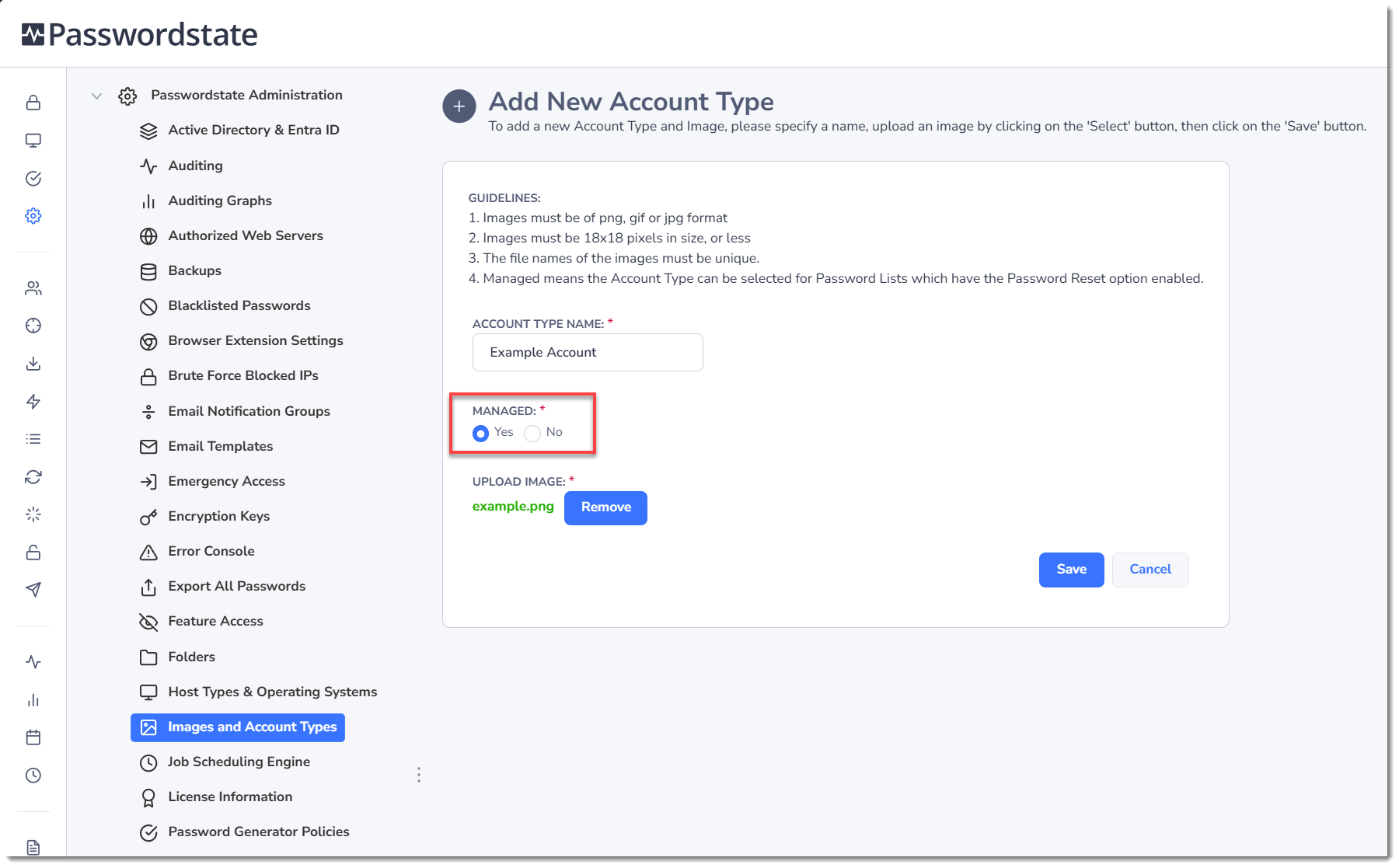
When adding your own Account Type, you can set the option Managed to Yes, as per the screenshot below.
Having this option set to Yes means you can select this account type for password records, which are stored in Password Lists that are Enabled for Resets. You can also assign your own custom Reset and Validation PowerShell scripts to these password records, assuming you have written some.