
Export All Passwords
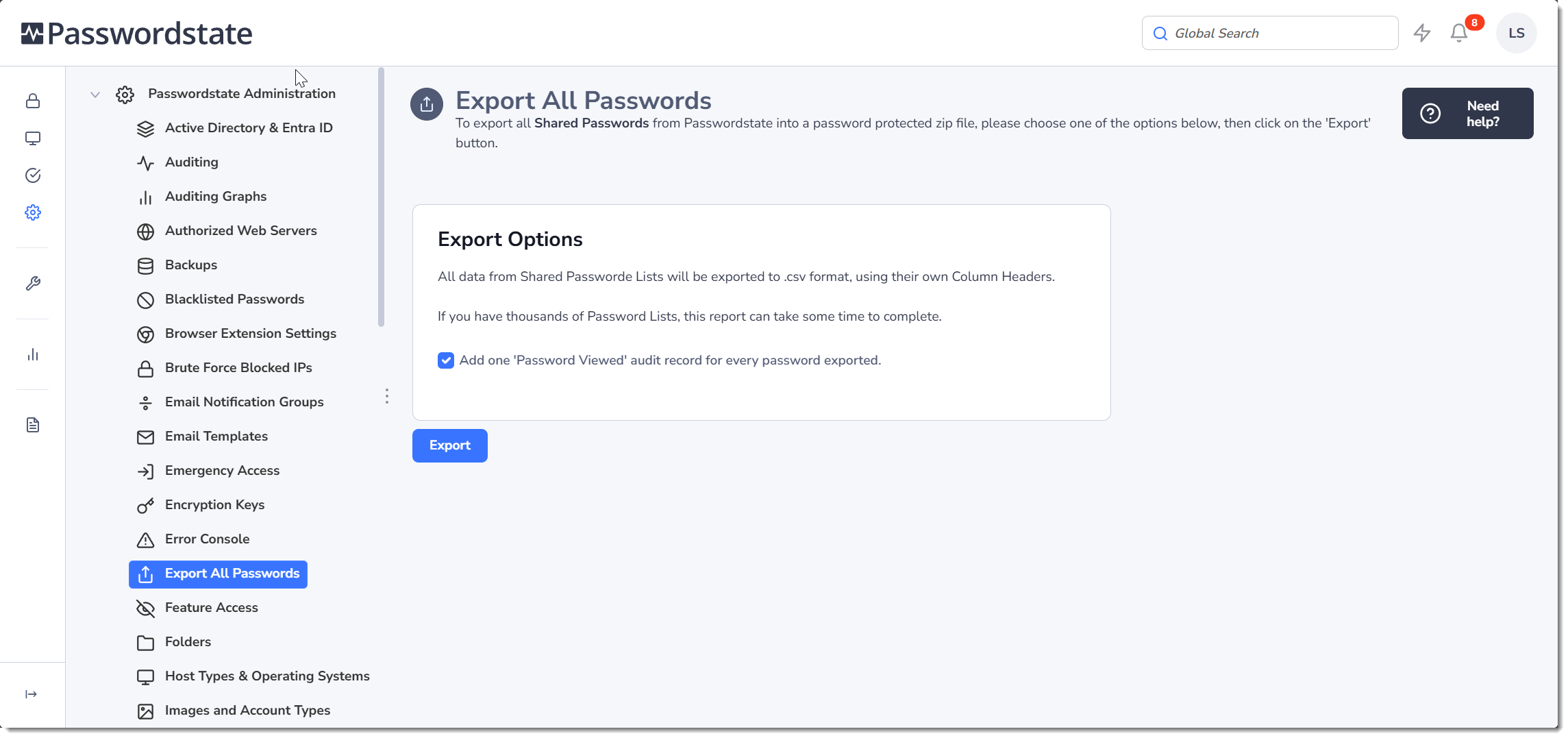
The Export All Passwords screen allows you to export all Shared Password records from the system to a CSV file. No Private passwords can be exported from this screen.
When exporting passwords from this screen, by default it will add one auditing record for every password that is exported. For example, if you have 1000 passwords that get exported, it will add 1000 individual auditing records for this activity.
If you wish to reduce these auditing records, you can deselect the option in the screenshot below. By doing this, it will add one audit record only, advising that all passwords were exported to a csv file.
Note: If you choose to export all passwords to a csv file, they must be stored away somewhere securely as the passwords appear as plain-text in the csv file.