Jobs
Within the Jobs menu, the Job Scheduling Engine provides 3 different types of functionality:
Host Discovery Jobs
Query one or more Active Directory OU's, and import host records which match criteria specified. Hosts can be used with either the Privileged Account Management or Remote Session Management features.
Account Discovery Jobs
Discovery accounts on various platforms, and automatically import them into Password Lists, to be use with Privileged Account Management feature.
PowerShell Jobs
PowerShell Jobs allows you to create your own custom PowerShell scripts, to perform any functionality required. From executing stand-alone scripts, or executing scripts against hosts, or making calls to two of Passwordstate API's.
All PowerShell Jobs can interact with data within Passwordstate securely, and API Keys can be automatically rotated on Job completion.
See PowerShell Jobs for more information.
System Settings and Feature Access
With the Job Scheduling Engine, is is recommended your Passwordstate Security Administrators review both the System Settings and Feature Access screens, as there are settings which can alter the behaviour of how this feature is used.
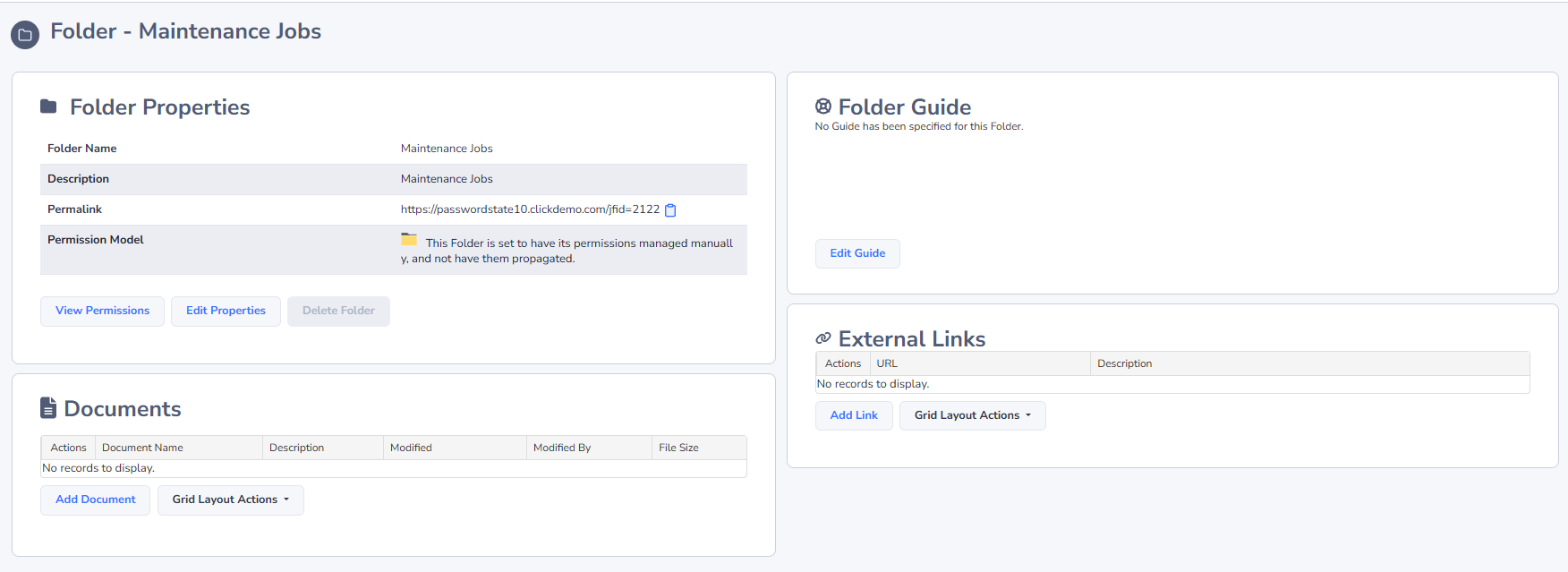
Job Folders and Permissions
Once a folder has been created, you can apply different permissions set to them as well - Admin, or View & Execute.
Admin provides Administrator access to the folder so it can be managed, as well as to any Jobs nested beneath the folder. Having Admin rights to a Job, does not necessarily mean the user has access to any Privileged Account Credentials, Password Records, API Keys, etc, which can be associated with the Jobs - those permissions are assigned/managed independently.