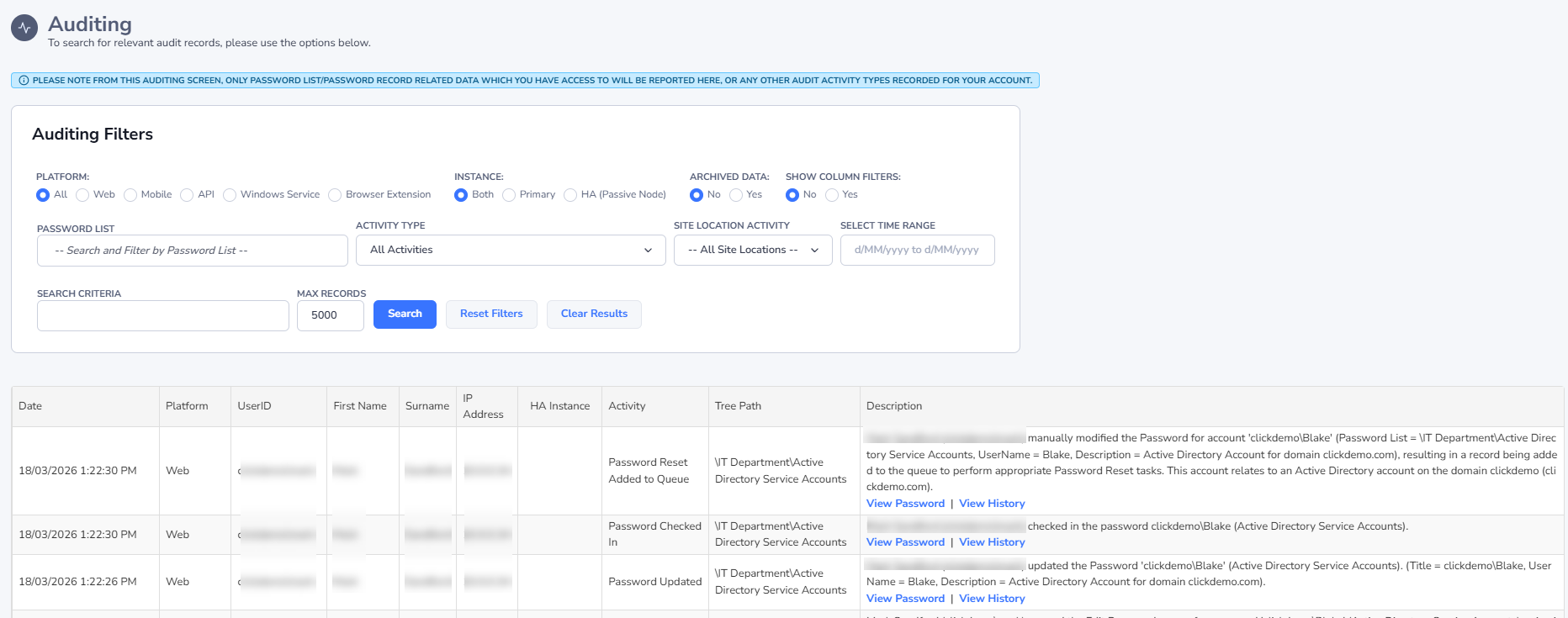
Auditing
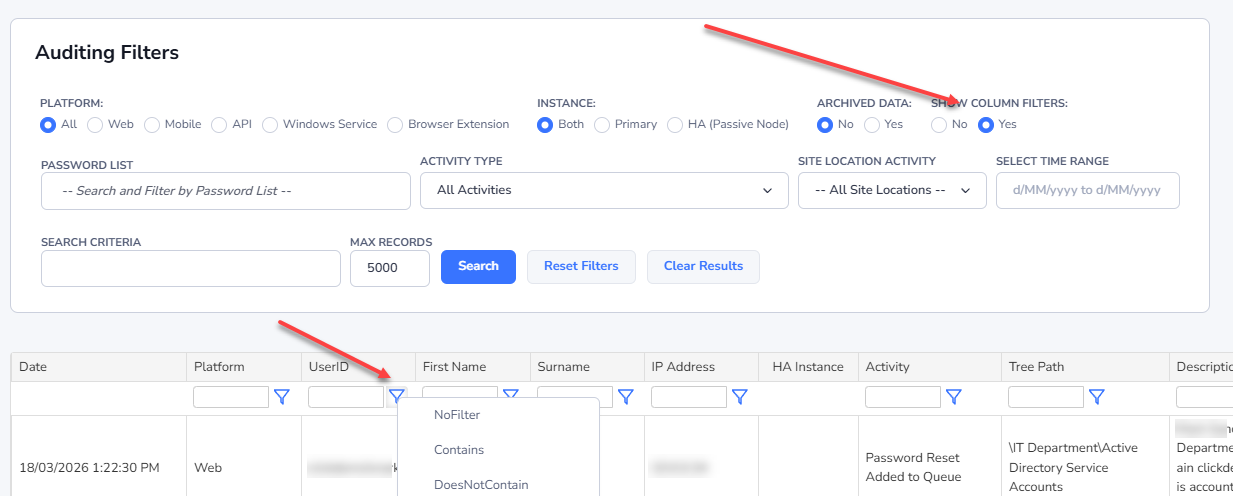
The Auditing menu allows you to view all the auditing data applicable to the Password Lists you have access to. It allows you to filter the data in multiple ways, as well as export the contents of the search results to a csv file for further analysis if required. Additional auditing data is also available to Security Administrators of Passwordstate, and can be found on the screen Administration -> Auditing. The additional auditing data relates to certain activities like login failures, user account related, etc.
Note: The Telerik Grid and Filter controls here prevent filtering while using special characters - for security reasons. If you're wanting to filter using a backslash () here, simply type the backslash twice i.e. domain\userid.
Performance Considerations: Please note that on this screen, only auditing records for Password Lists you have access to will be displayed here. This means there could be a potential performance impact, if you have thousands of Password Lists - permission checks are done on Password Lists for your User Accounts, and Security Groups, as well as for individual password records. If you find a performance impact on this screen, please use the screen Administration -> Auditing if you have access to it.
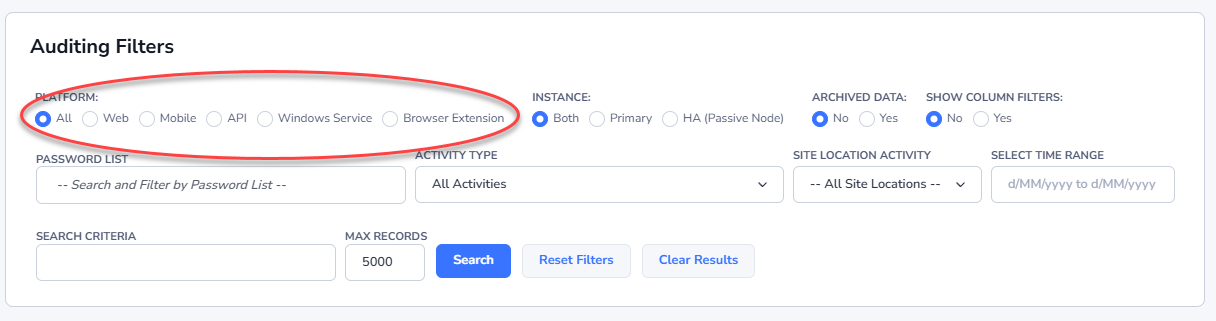
Filter by Platform
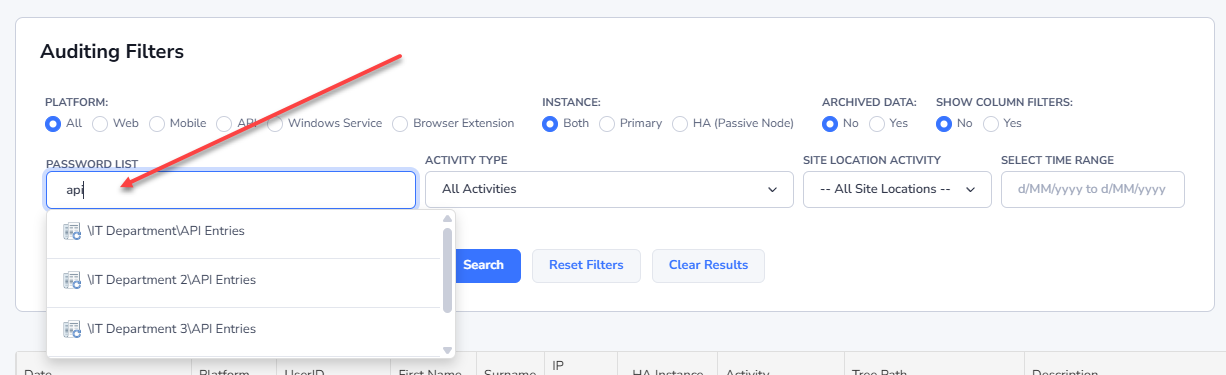
Filter by Specific Password Lists
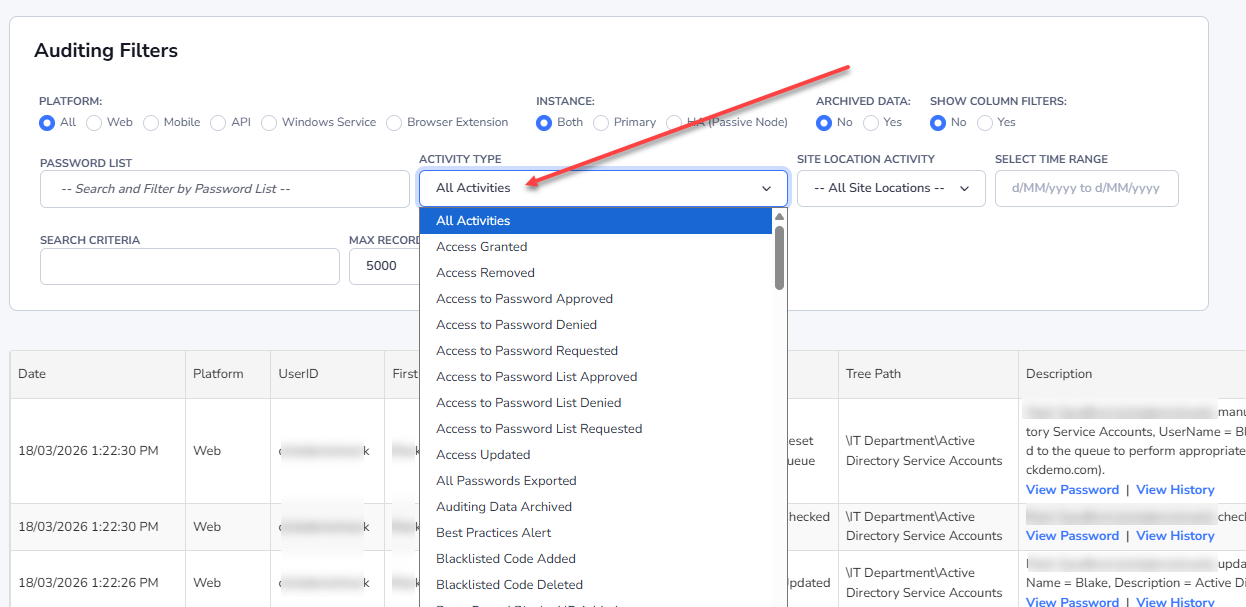
Filter by Specific Activity Type
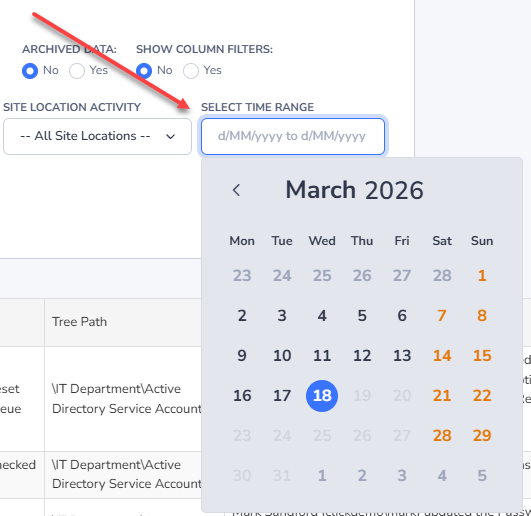
Filter between Specific Dates
Further Filter by Search Results Contents