Jobs - Account Discovery
The Account Discovery Menu allows you to perform various account discoveries on your network, based on Host records which have been added under the Hosts menu area.
The following Account Discovery jobs are available:
- Active Directory Accounts
- Cisco IOS Accounts
- Fortigate Accounts
- HP H3C Accounts
- Juniper Junos Accounts
- Linux and Mac Accounts
- MS SQL Database Accounts
- MariaDB Database Accounts
- MySQL Database Accounts
- Oracle Database Accounts
- PostgreSQL Database Accounts
- SonicWALL accounts
- VMWare ESXi Accounts
- Windows Dependency Accounts - Windows Services, IIS Application Pools and Scheduled Tasks which are configure to use a domain account as their identity
- Windows Local Admin Accounts
Note 1: Please refer to the document Privileged Account Management Manual for system requirements for the Discovery Process to work - it relies on PowerShell in your environment to function.
Note 2: Account Discovery Jobs can be scheduled, or executed manually when needed.
Note 3: By ticking the 'Simulation Mode' checkbox, it will perform the discovery and email you the results, without making any changes to the Passwordstate database.
Note 4: If discovering accounts on a Mac, the option to reset the password on discovery will be ignored, as another account (the Privileged Account Credential) cannot update the keychain for a different account - this is by design by Apple.
Note 5: For the 'Active Directory Accounts' discovery job, this job should not be used for Privileged AD Accounts which are used on Windows Services, IIS App Pools and Scheduled Tasks - you should use the Windows Dependency Discovery Job for that purpose.
Note 6: For the 'MS SQL Database Accounts' discovery job, the Privileged Account to be used to can be either a SQL Account, or an Active Directory account.
Discover Accounts
When discovering Accounts on various Hosts, there are many options available to you. In particular:
- You can filter on the type of Hosts you want to query, based on the Operating System type, or any sort of Host Name wildcard match
- If a new account is found, you can specify which Password List to store the password record into. If the account is found in another Password List when the discovery executes, it will not add in a duplicate record
- As it's not possible to decrypt most passwords for discovered accounts, you will need to specify what password will be recorded in Passwordstate initially for the account, or you can generate a random one. You also have the option to perform a password reset for any newly discovered accounts, and the password value for these accounts will be set to what's selected here - either a static password, or a randomly generated one
- When new records are added to the selected Password List, you have the option to also specify some detail for the Title and Description fields.
- You also need to specify the Privileged Account Credentials to use when interrogating your Hosts on the network - this account will need sufficient privileges to interrogate the Host for local accounts - generally an account with Admin (elevated privileges) is required here
- If you do not wish to automatically configure the discovered accounts to perform scheduled resets, you can set the 'Managed Account' option to No. Then later within the Password List, you can enable this option for one or more records at a time - either by editing individual records, or using the Bulk Update Password Reset Options feature
- There are also various options where you can set the Check In/Out feature as well
- When applying permissions to the Job after it is created, whoever is given access can then administer the job, as well receive an emails with the results of the job execution
Note: It is strongly recommended that you set the 'Default Password Reset Scheduled' for the Password List ( Password List Details Tab ) prior to any new records being discovered and added to the Password List, that way each record will have it's Password Reset schedule set accordingly. There is a Bulk Update Password Reset Options feature for each Password List which allows you to change these values for more than one password record at a time.
Discover Windows Dependencies
It's possible to also discover various 'Windows Dependencies on your network that are using domain accounts as their identity to run under i.e. Windows Services, IIS Application Pools & Scheduled Tasks. When setting up such a Discovery Job, the following options are available: · You need to select which 'Dependencies' you want to try and discover - Windows Services, IIS Application Pools or Scheduled Tasks - can you select all of them as part of the same Discovery Job if you want · The rest of the options are very similar to discovery of other types of Accounts, as specified above · If you do not wish to automatically configure the discovered accounts to perform scheduled resets, you can set the 'Managed Account' option to No. The later within the Password List, you can enable this option for one or more records at a time · And don't forget to set the Schedule
Discovery Job History
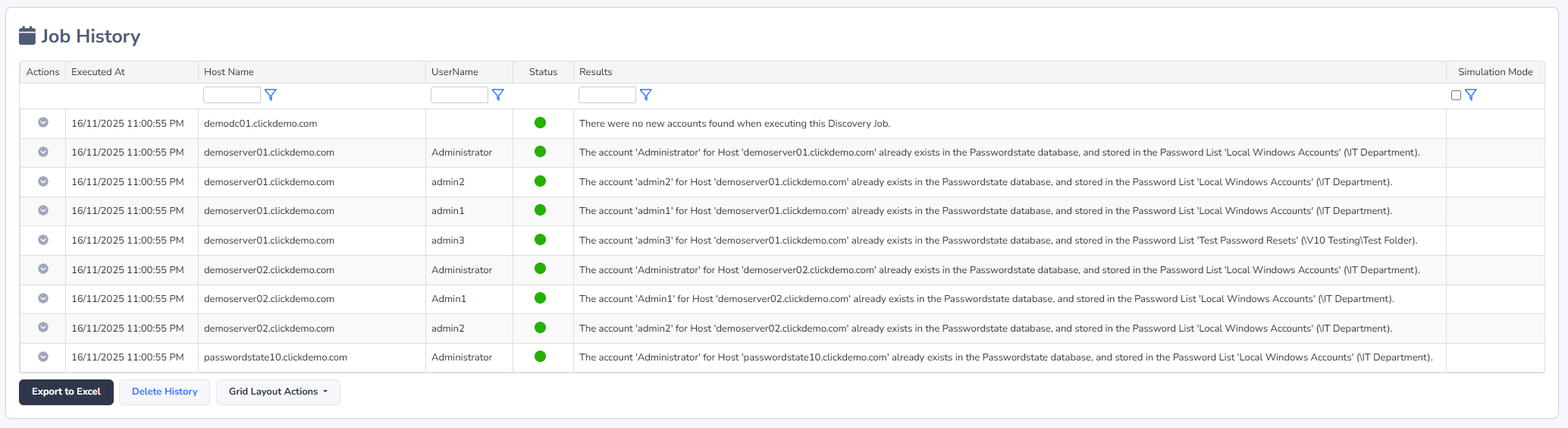
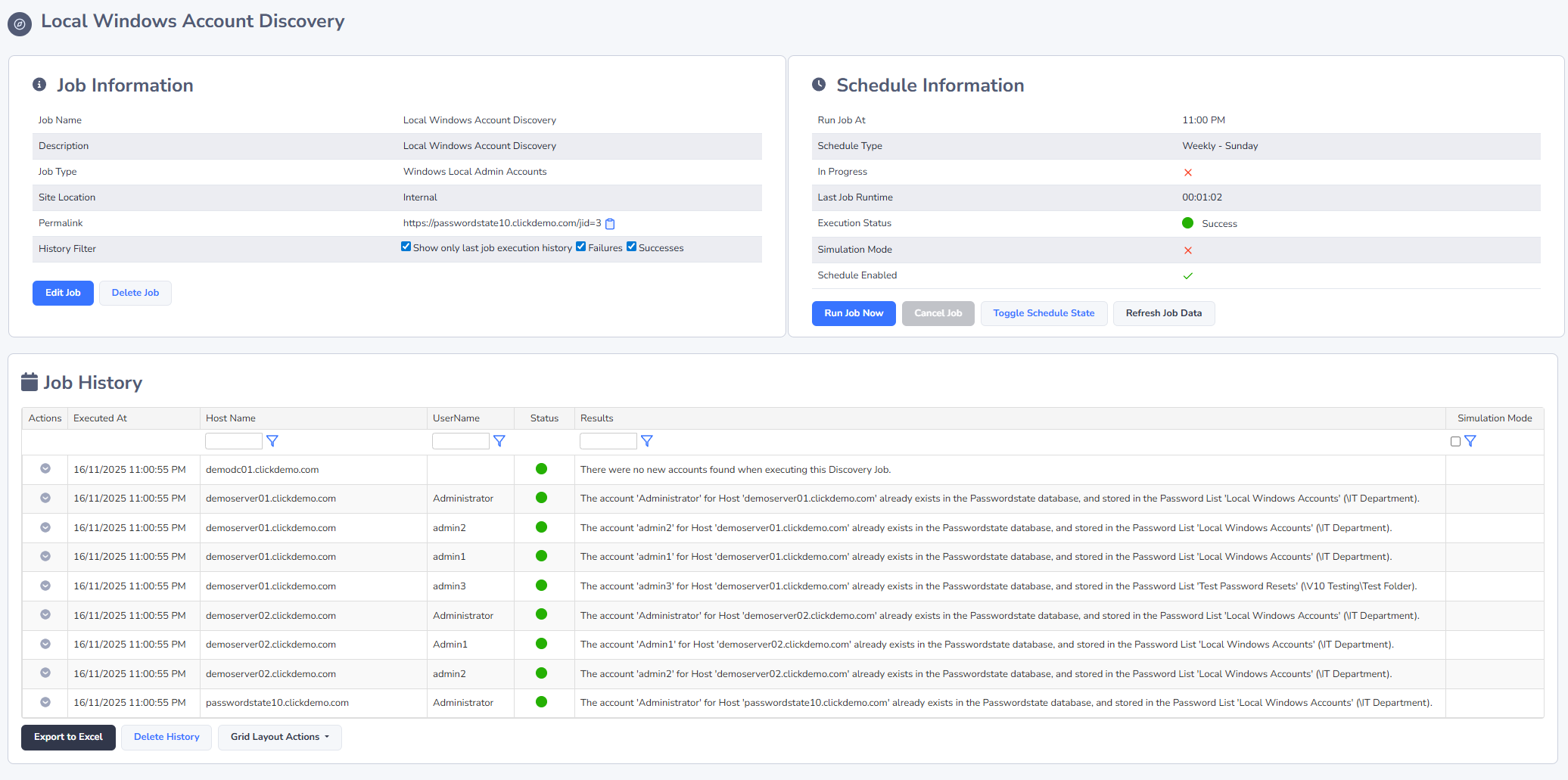
In addition to the emails you will receive for results of Discovery Jobs, the most recent history for the execution of the job can be seen, as per the screenshot below.
If your Discovery Job does not actually query any Hosts, then it will not record any data i.e. You may have a Host filter set on the Discovery Job that does not return any Host records, or possibly you have not added any Host records into Passwordstate (under the Hosts tab at the top of the screen).