
Installing Gateway on Passwordstate Web Server
Steps to execute the automatic installer on your Passwordstate web server
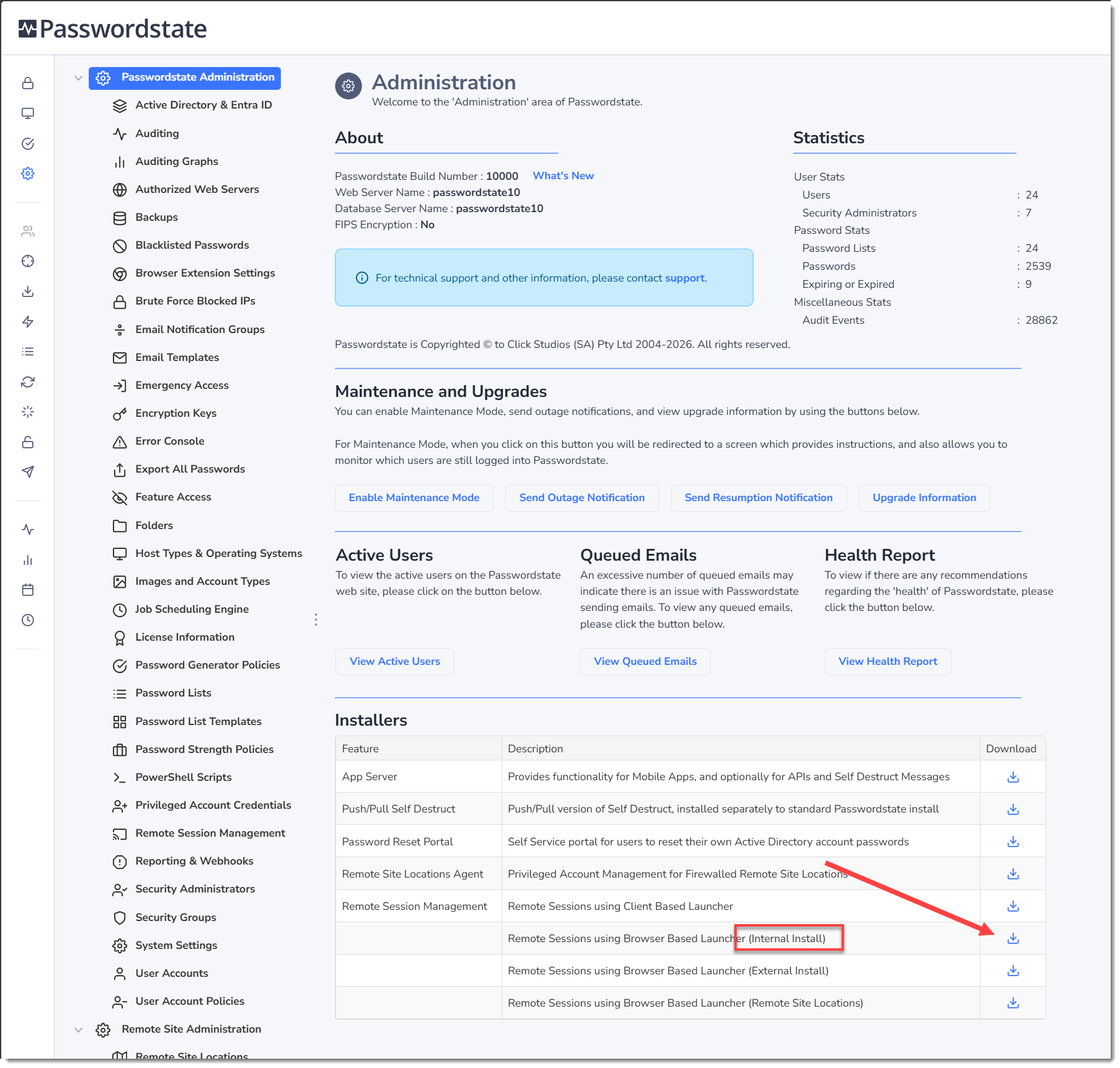
- In Passwordstate, go to Passwordstate Administration home page and click the download button for the Internal Browser based Launcher, and transfer it to your Passwordstate webserver
- Extract the zip file to the same folder, revealing a 7za.exe and an Install-Gateway-Internal.ps1 file
- Open PowerShell ISE “As Administrator”, and then open the Install-Gateway-Internal.ps1 script
- Press F5 to run the script, or use the button in PowerShell to run the script
A log file will be created and placed in the directory where you executed the PowerShell script from and can be used to troubleshoot any issues.
There will also be an output in the PowerShell console advising what step the installer is up to. Once the script has finished, the Gateway is ready to be used and this video is a quick tutorial on how to do this: https://www.youtube.com/watch?v=E_PHLAfQe7c
Note 1: If you receive an error during the install stating:
“It appears the certificate on your Passwordstate website may not be marked for export and could not be exported automatically”
You will need to export your certificate manually, or provide another certificate that you can export to a password protected .pfx file. See Section 6 in this document on how to export certificates manually. If you have to export your certificate manually, you’ll need to place it in the same folder where you are executing this PowerShell installer from. During the installation process, you’ll be prompted for a password which is the one you set during the exporting of the certificate. When exporting the certificate, it must be called “Passwordstate.pfx”.
Note 2: If you receive an error during the install stating:.
“Combination test failed. It appears your server does not have access to the internet, and the install source files were not supplied”
You will need to manually download the Java source files on another computer, and place them in the same directory where you are running the Install-Gateway-Internal.ps1 script from.
The source files can be downloaded from this link: https://cdn.azul.com/zulu/bin/zulu21.32.17-cajdk21.0.2-win_x64.zip