
Installing Passwordstate
If you haven't downloaded the source files already, you can always get the latest version from the Click Studios Checksums page: https://www.clickstudios.com.au/passwordstate-checksums.aspx
Right click the Passwordstate.exe file, and select Run as Administrator
At the Passwordstate Installation Wizard screen, click on the Next button
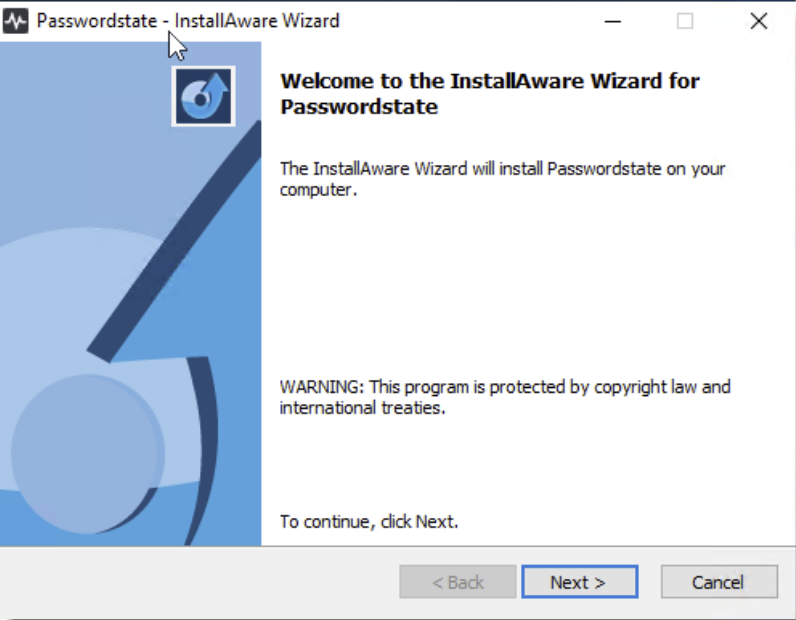
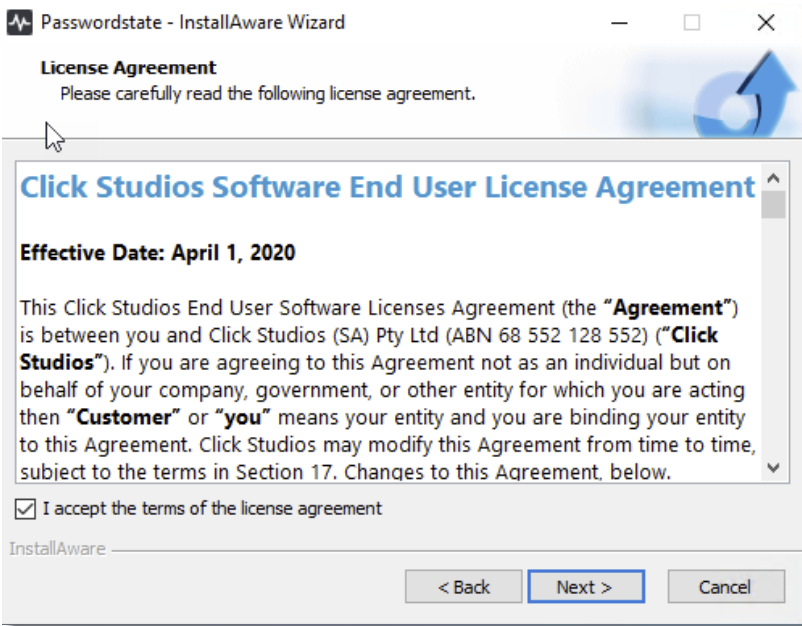
- At the License Agreement screen, tick the option I accept the terms in the License Agreement, then click on the Next button
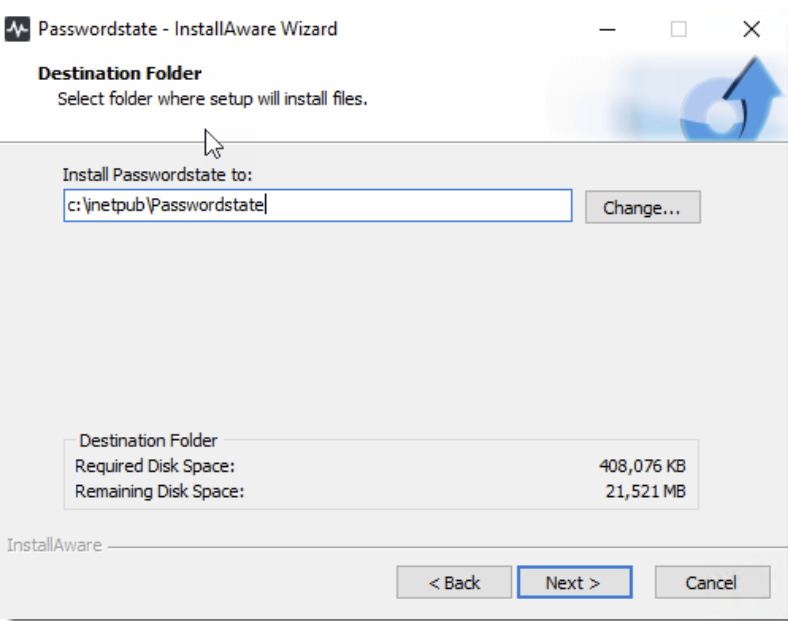
- At the Destination Folder screen, you can either accept the default path or change to a different location, then click on the Next button
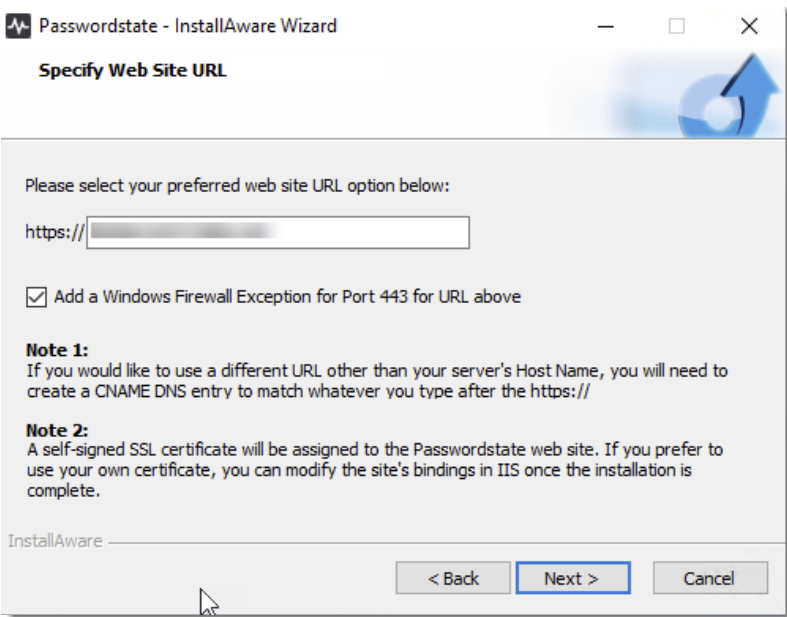
- At the Specify Website URL screen, specify the URL you would like to use, then click on the Next button
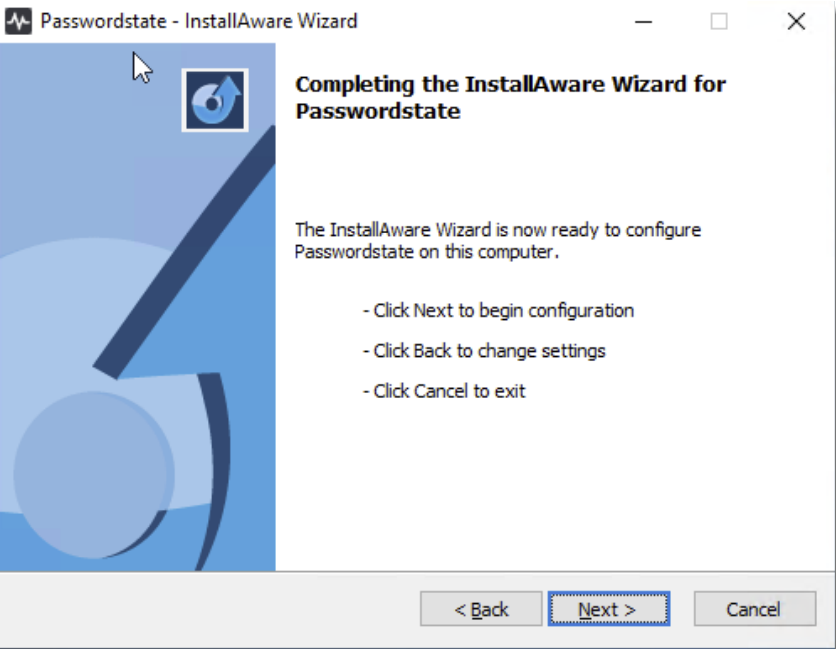
- At the Completing the InstallAware Wizard for Passwordstate screen, click on the Next button
- Once installed, click on the Finish button