Installing the App Server
- In Passwordstate, go to Passwordstate Administration home page and click the download button for the AppServer.
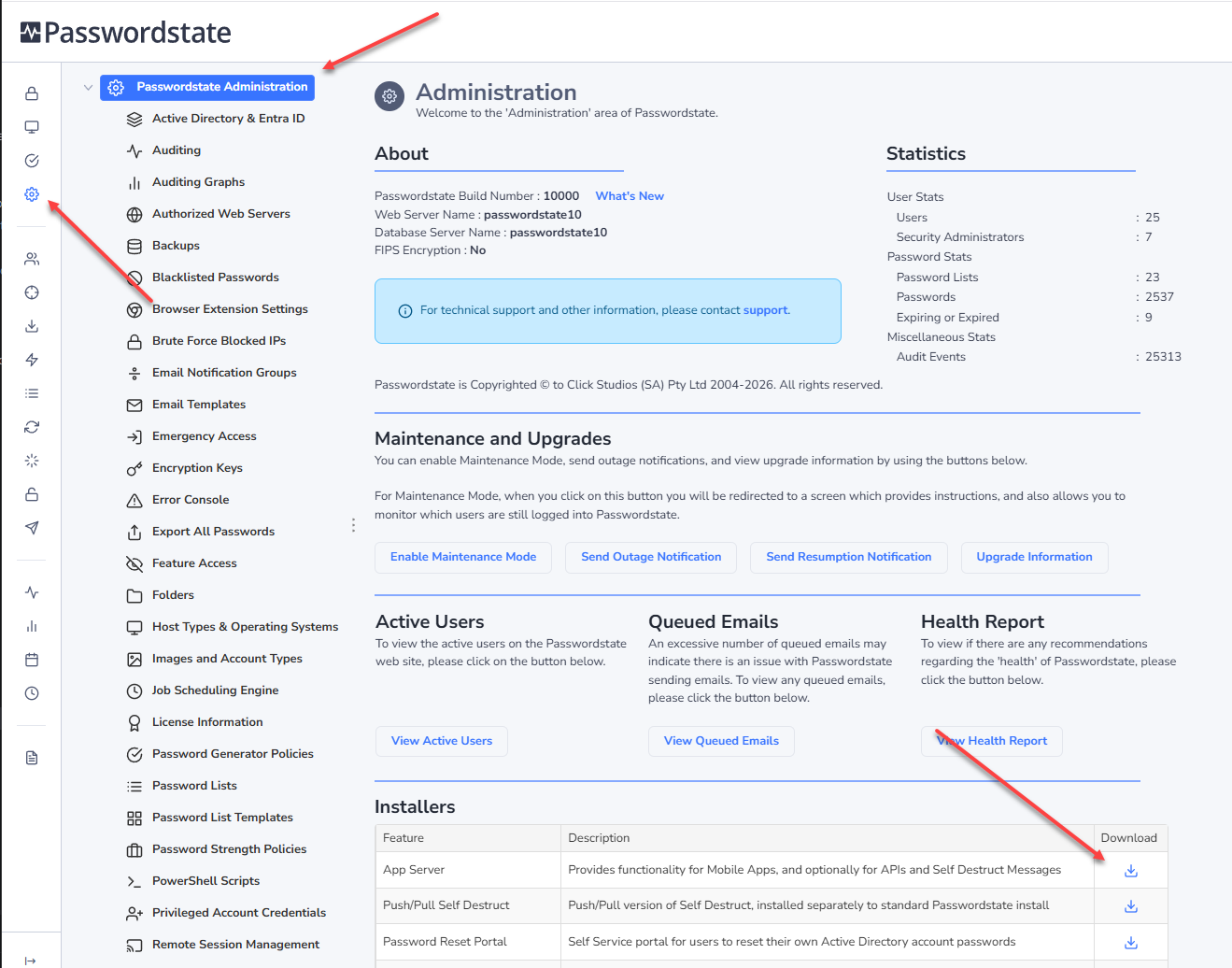
- A file will download in your browser, and you’ll need to transfer this to the server you are installing the App Server on
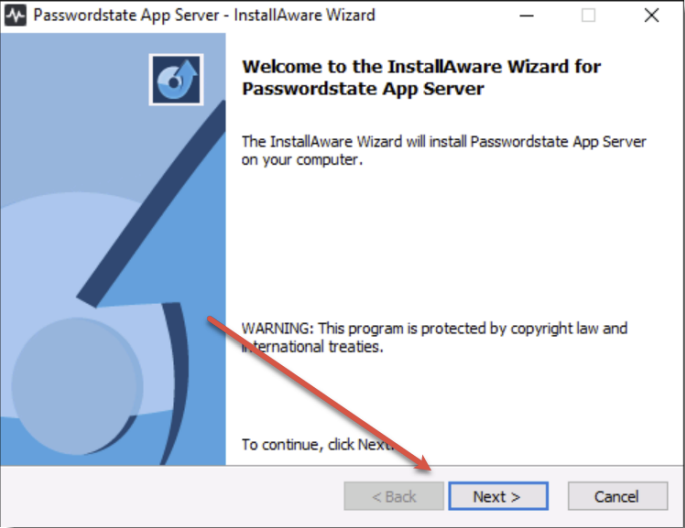
- As an Administrator, run the PasswordstateAppServer.exe file
- Click Next:
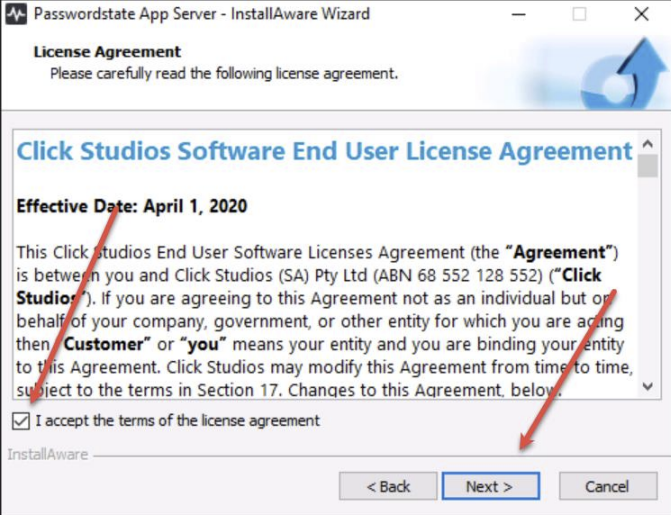
- Accept the terms of the license agreement, and click Next:
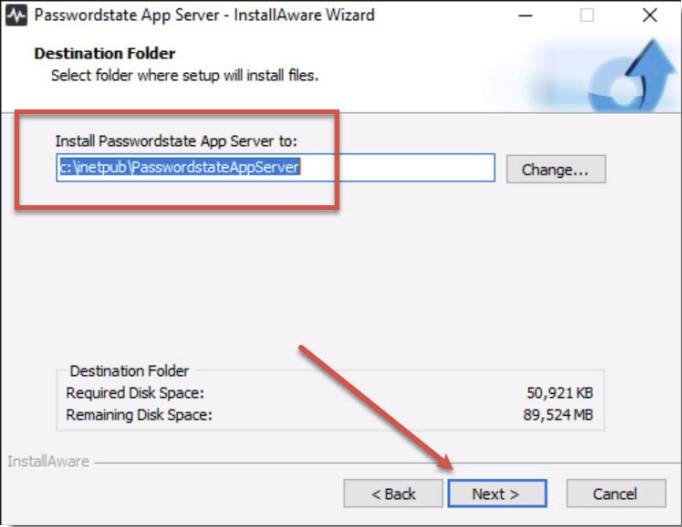
- Accept the default install path, and click Next:
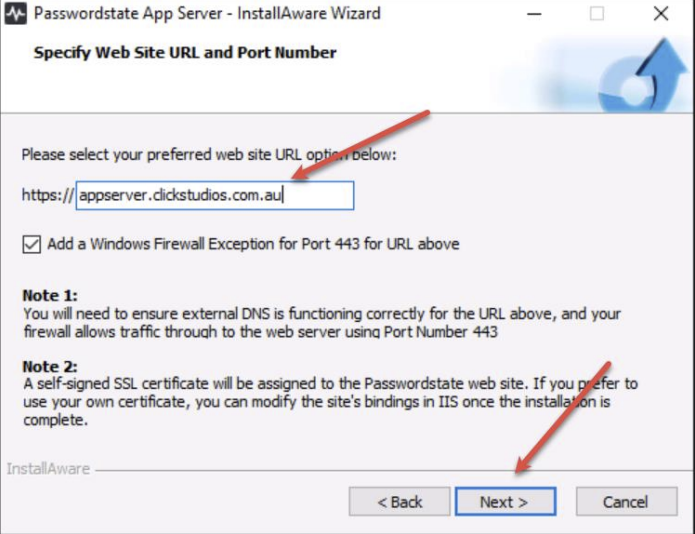
- Set a URL of your choice, and click Next
Note 1: This URL will require a functioning DNS entry, whether it be internal, or external from your network_.
Note 2: The default port set is 443, but this can be changed in IIS later if you require a custom port for any reason.
Note 3: This installer will set up a website in IIS with a Self Signed Certificate. You will need to change this certificate to a trusted one post install, to ensure for seamless access to your Mobile App.
- Click Next
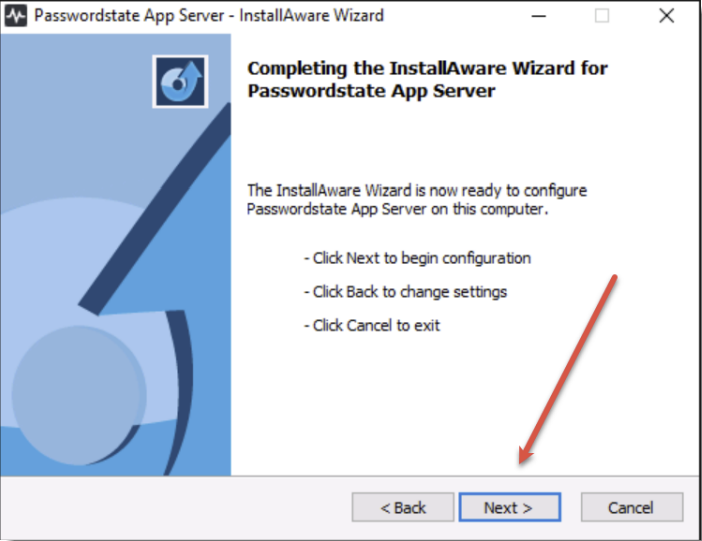
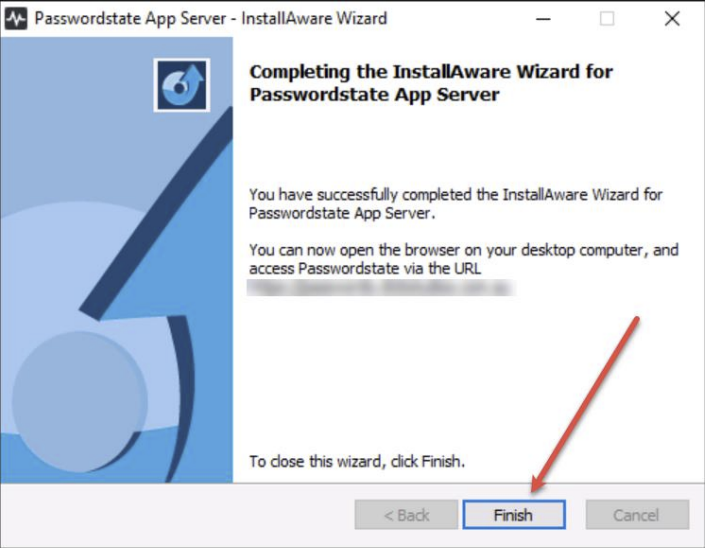
- Click Finish