
Password Reset Portal
Enable users to securely reset their Active Directory passwords or unlock their accounts without contacting the IT service desk.
Self-Service Active Directory Password Resets
The Passwordstate Password Reset Portal provides users with a secure, self-service method for resetting their Active Directory passwords or unlocking their domain accounts when they can no longer authenticate.
Available from desktop and mobile browsers, the portal helps users quickly regain access while reducing the number of routine password and account-lockout requests handled by IT support teams.
Reduce Service Desk Requests
Allow users to resolve common password and account-lockout issues independently, reducing the operational burden on IT support teams.
Restore Access Faster
Help employees regain access without waiting for service desk assistance, improving productivity for office-based and remote users.
Secure Identity Verification
Organizations can configure up to nine Secure Verification Policies to determine how users confirm their identity before resetting a password or unlocking an account.
Different verification policies can be assigned according to organizational requirements, allowing administrators to balance security and accessibility for different groups of users.
Configurable Verification Policies
Define multiple identity-verification workflows and apply the appropriate policy to different users or organizational groups.
Centralised Administration
Manage portal settings, verification requirements and password-reset behaviour through the central Passwordstate administration interface.
Enforce Strong Password Policies
Password resets remain subject to the password policies configured for the user's Active Directory environment, helping organizations maintain consistent password requirements.
- Enforce password length and complexity requirements.
- Prevent users from selecting passwords that do not meet organizational policies.
- Screen new passwords against configured lists of commonly used or compromised passwords.
- Provide immediate feedback when a proposed password does not satisfy the required policy.
A Simple Three-Step Process
The Password Reset Portal guides users through identification, identity verification and account recovery using a straightforward browser-based workflow.
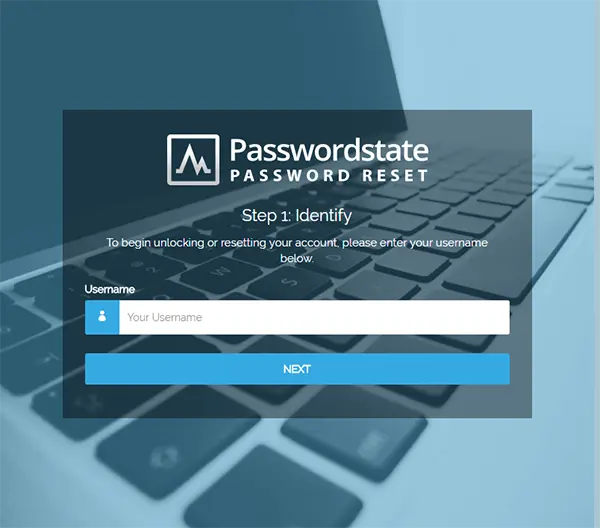
Step 1 – Identify
The user identifies their account using their Active Directory username.
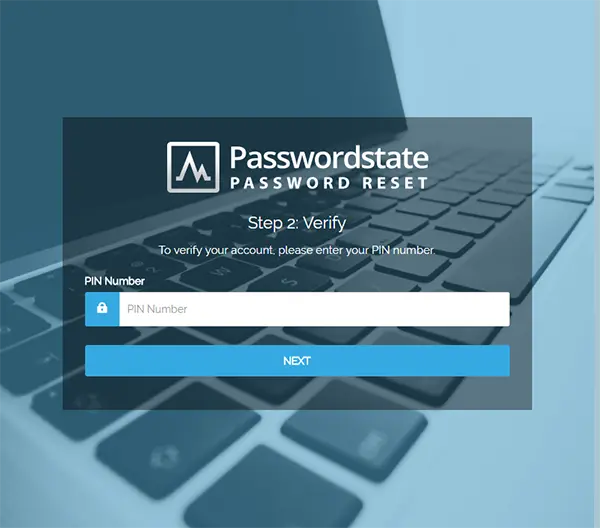
Step 2 – Verify
The user verifies their identity using the Secure Verification Policy assigned to their account.
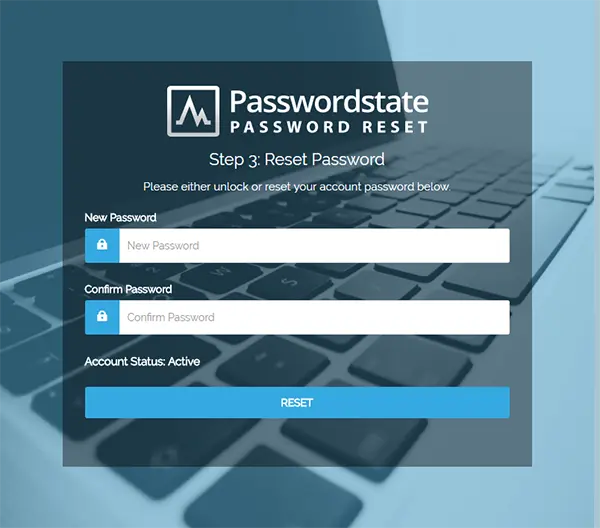
Step 3 – Reset or Unlock
The user resets their password or unlocks their account after successfully completing verification.
Key Capabilities
- Self-service Active Directory password resets
- Domain account unlocking
- Up to nine Secure Verification Policies
- Configurable password policy enforcement
- Compromised password screening
- Desktop and mobile browser access
Organizational Benefits
- Fewer password-related service desk requests
- Faster restoration of user access
- Reduced support overhead
- Consistent password policy enforcement
- Support for remote and distributed workforces
