
Active Directory Domains
In order for users to reset or unlock their domain accounts, you must first add the required number of Active Directory Domains on this screen.
Note 1: Your domain must be at 2012 functional level or higher.
Note 2: Only unique domains are supported i.e. NetBIOS Name and FQDN need to be unique across domain records.
Trusted and non-trusted domains can be added on this screen, and the following ports are required to be open on any firewalls for this module to function:
Password Reset Portal Ports
- The Password Reset Portal only needs to communicate back to your Passwordstate API, so generally Port 443 is required to be open. If you are using a different port for your Passwordstate website, then this port will instead need to be open
Passwordstate Website and API
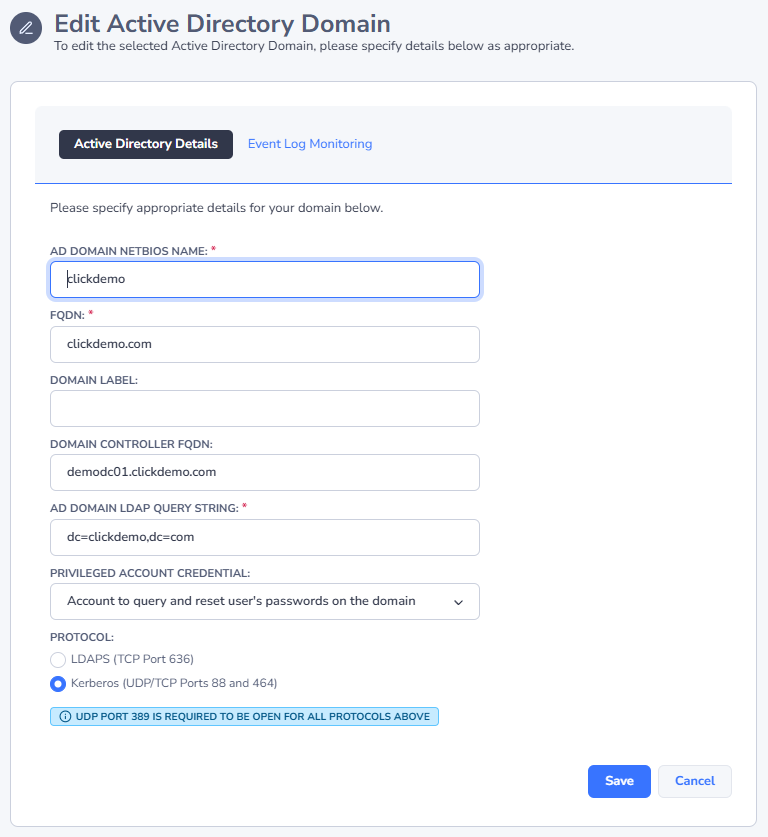
- Port 636 (TCP) - this is required for LDAP over SSL, so the Passwordstate UI and API can communicate with Active Directory to reset and unlock accounts
- Ports 88 and 464 (UDP/TCP) are required to be open to your domain controllers, in order to use Kerberos authentication
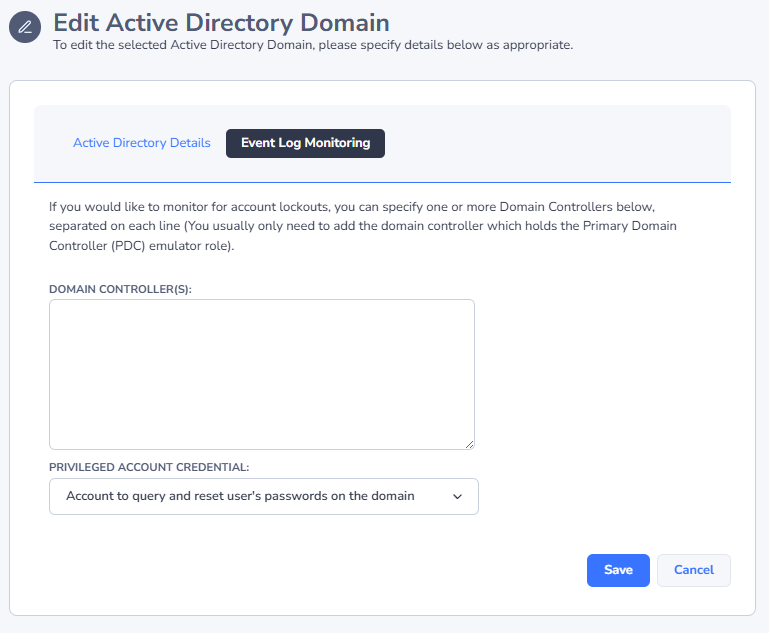
- To query Event Logs on Domain Controllers for account lockouts, Port 135 needs to be open, and also the existing Windows Firewall rule "Remote Event Log Management (RPC)", which uses dynamic ports
- Please note all authentication options require UDP Port 389 to be open, in order to find the nearest domain controller
Adding a New Active Directory Domain
Prior to adding a new domain, you must first add one or more required Privileged Account Credentials so Passwordstate can reset/unlock accounts in the domain, and also query event logs on your domain controller.
 |  |