Synchronizing Data
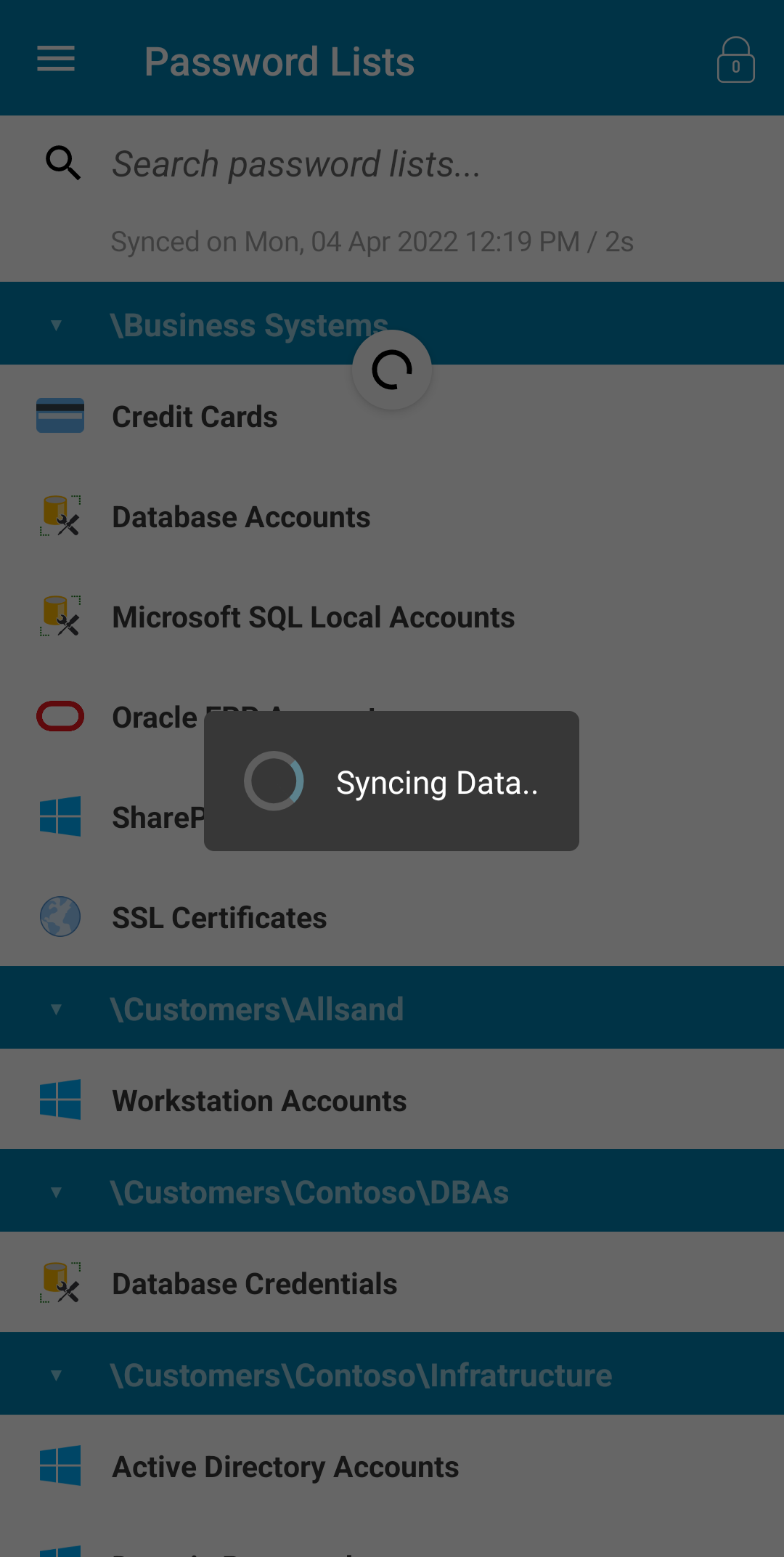
Syncing data can be executed via the 'pull-to-refresh' gesture on the Password Lists page - simply swipe down and release. A loading dialog will be shown until the process is complete.
Please note: In the Android variant, you are also able to execute the sync process via the 'Sync Data' option in the left swipe menu.