
Password Lists
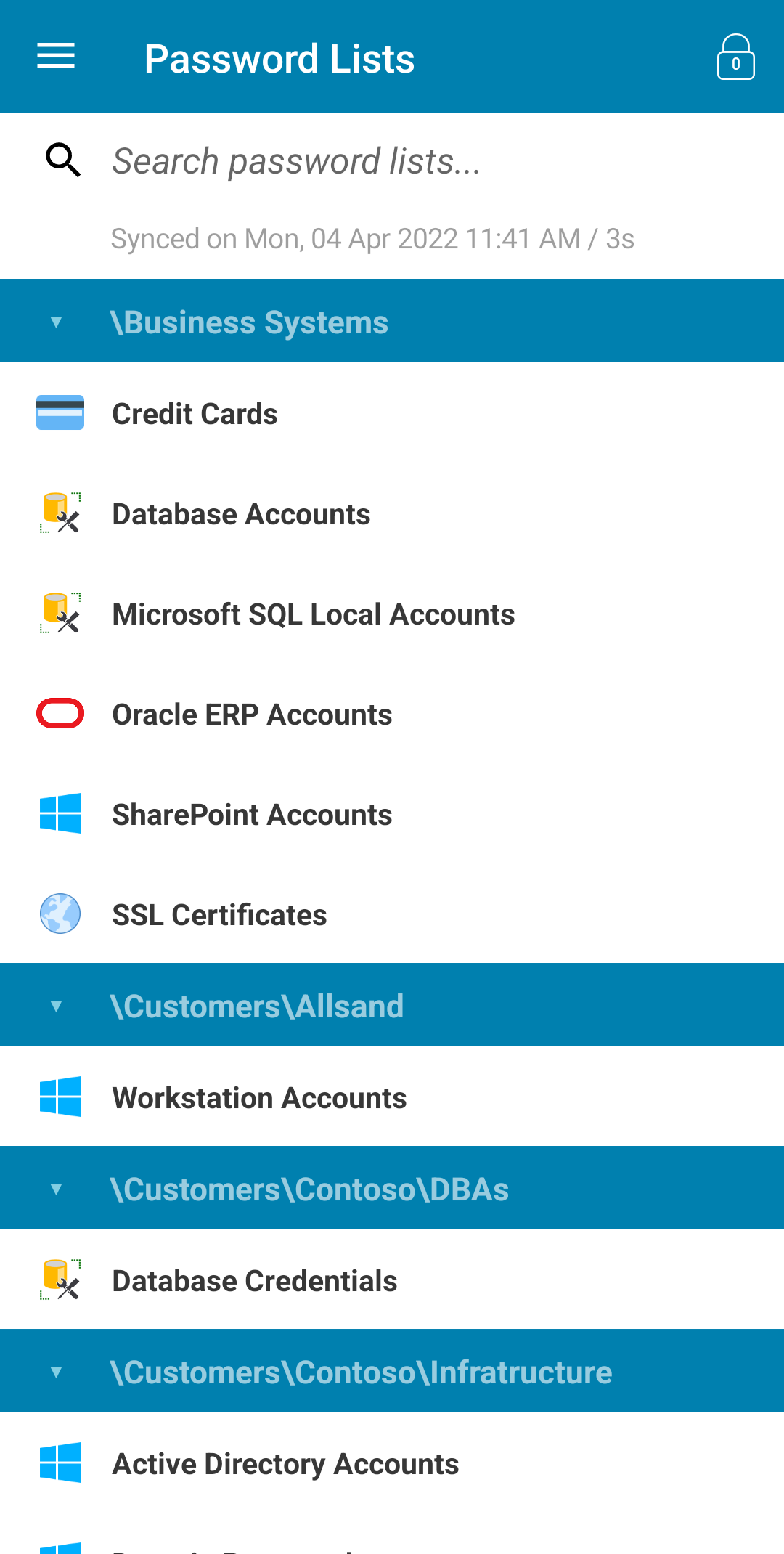
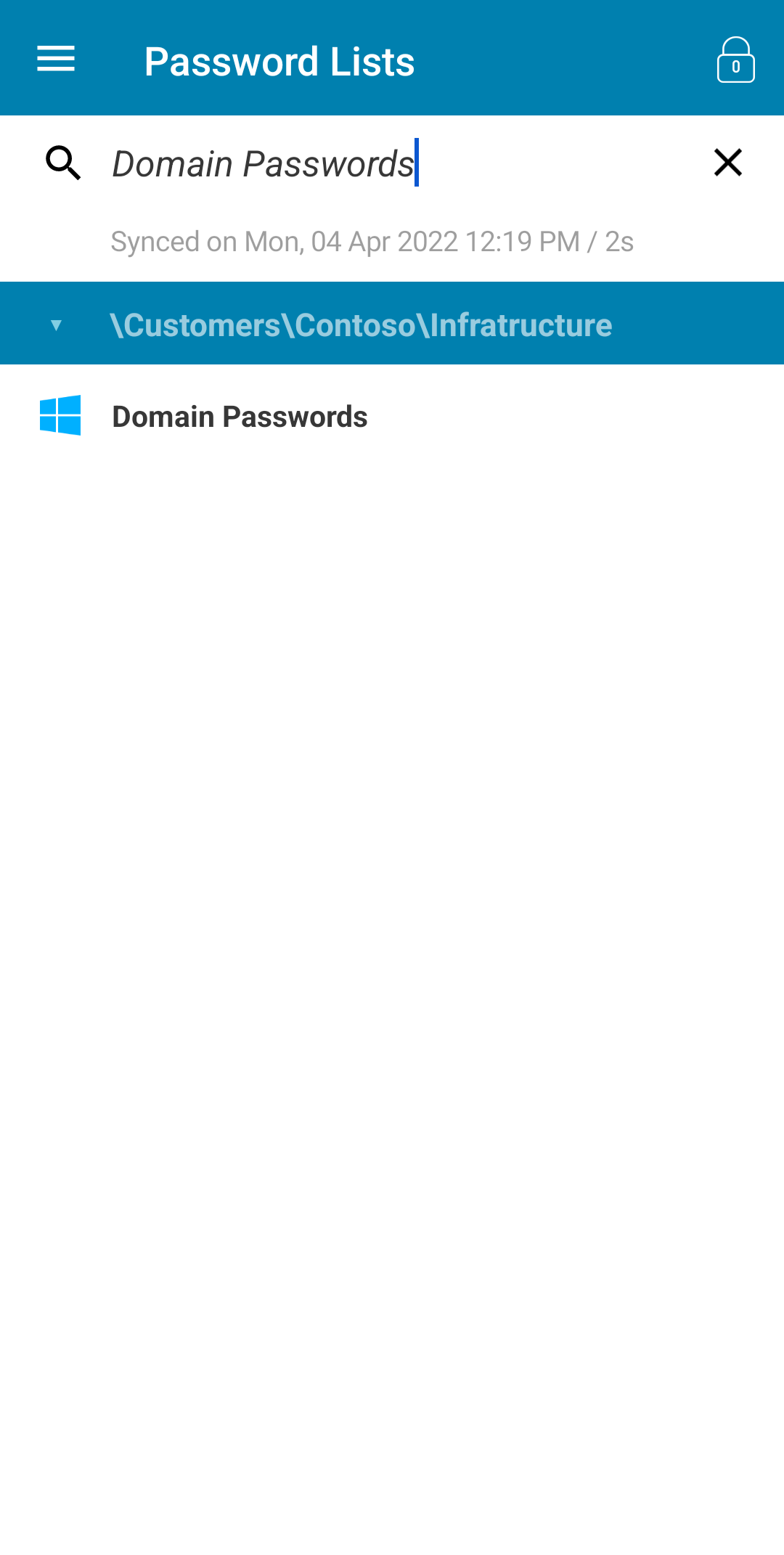
This screen displays your password lists sorted alphabetically, grouped by collapsible folders and with the ability to perform a quick search to narrow down larger sets of password lists.
The search will consider Name, Description and Tree Path.
Tips
- To synchronize your data simply use the 'pull-to-refresh' gesture on the list, this will initiate the sync process and a loading dialog will be shown whilst this completes (see Synchronizing Data)
- Quick lock the Passwordstate Mobile App via the lock button in the top right hand corner
- Tap the folder header to collapse lists you don't access often
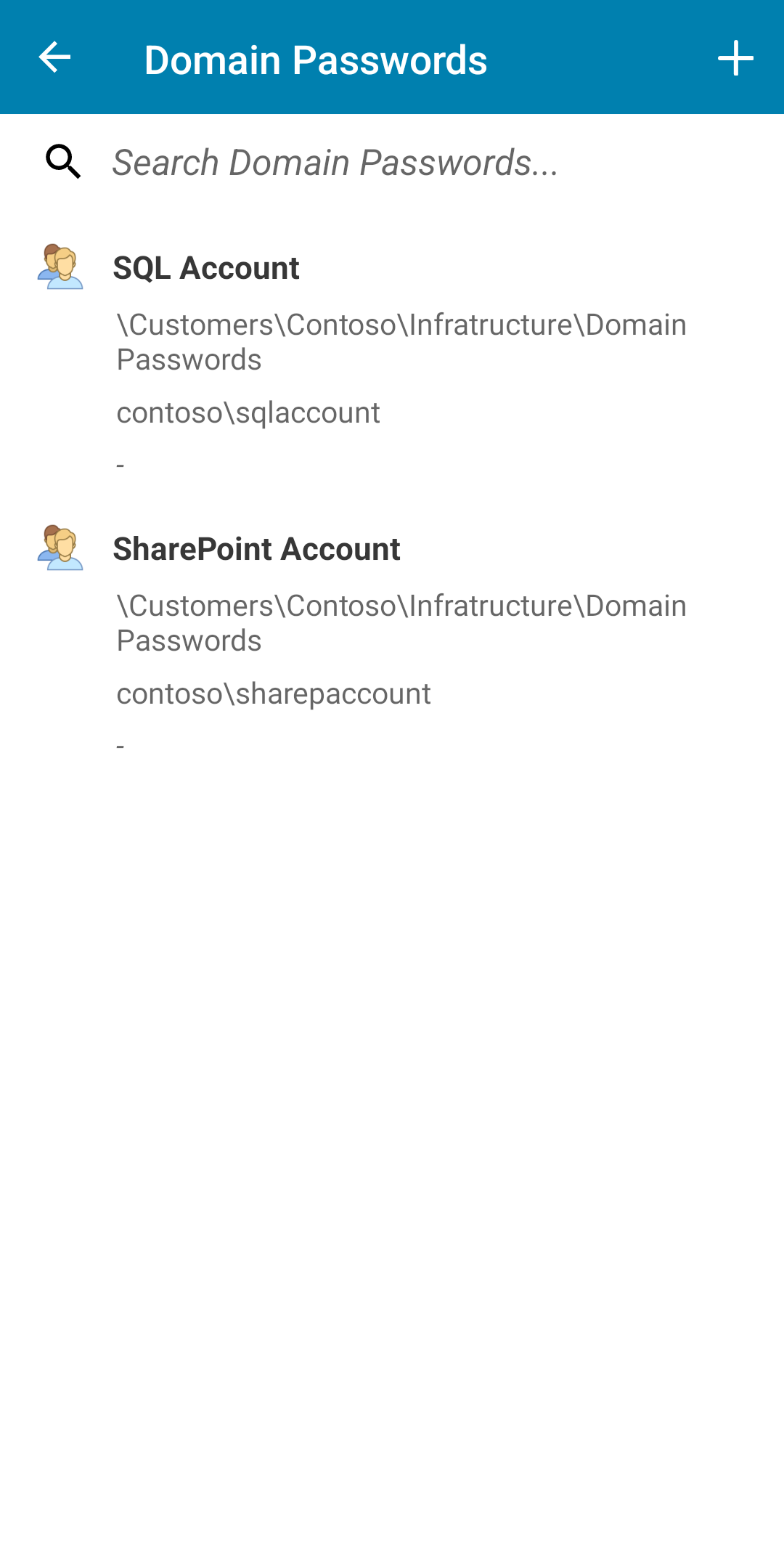
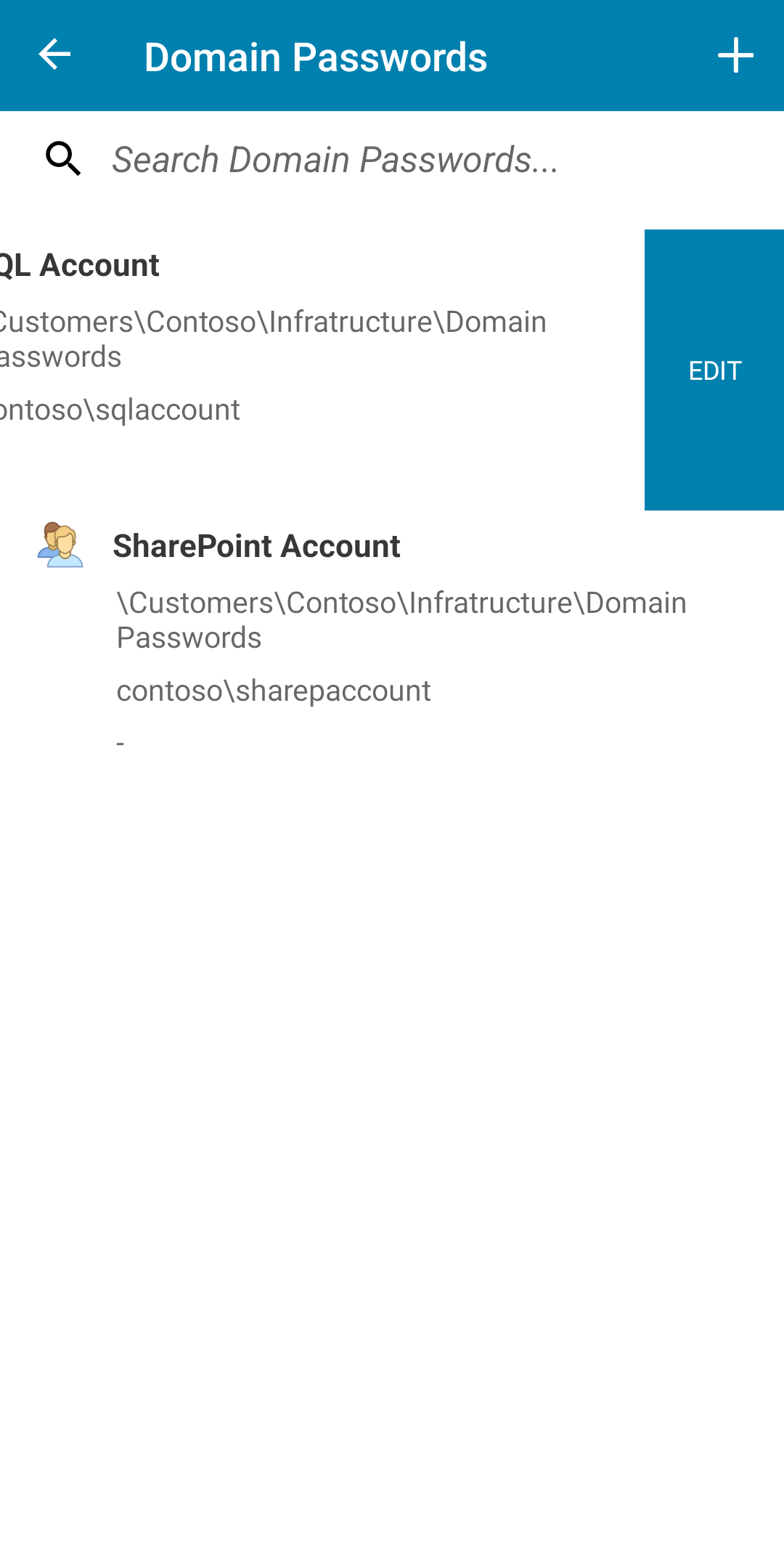
- Tap the password list name to view all the records in this list then:
- Tap a record to view details
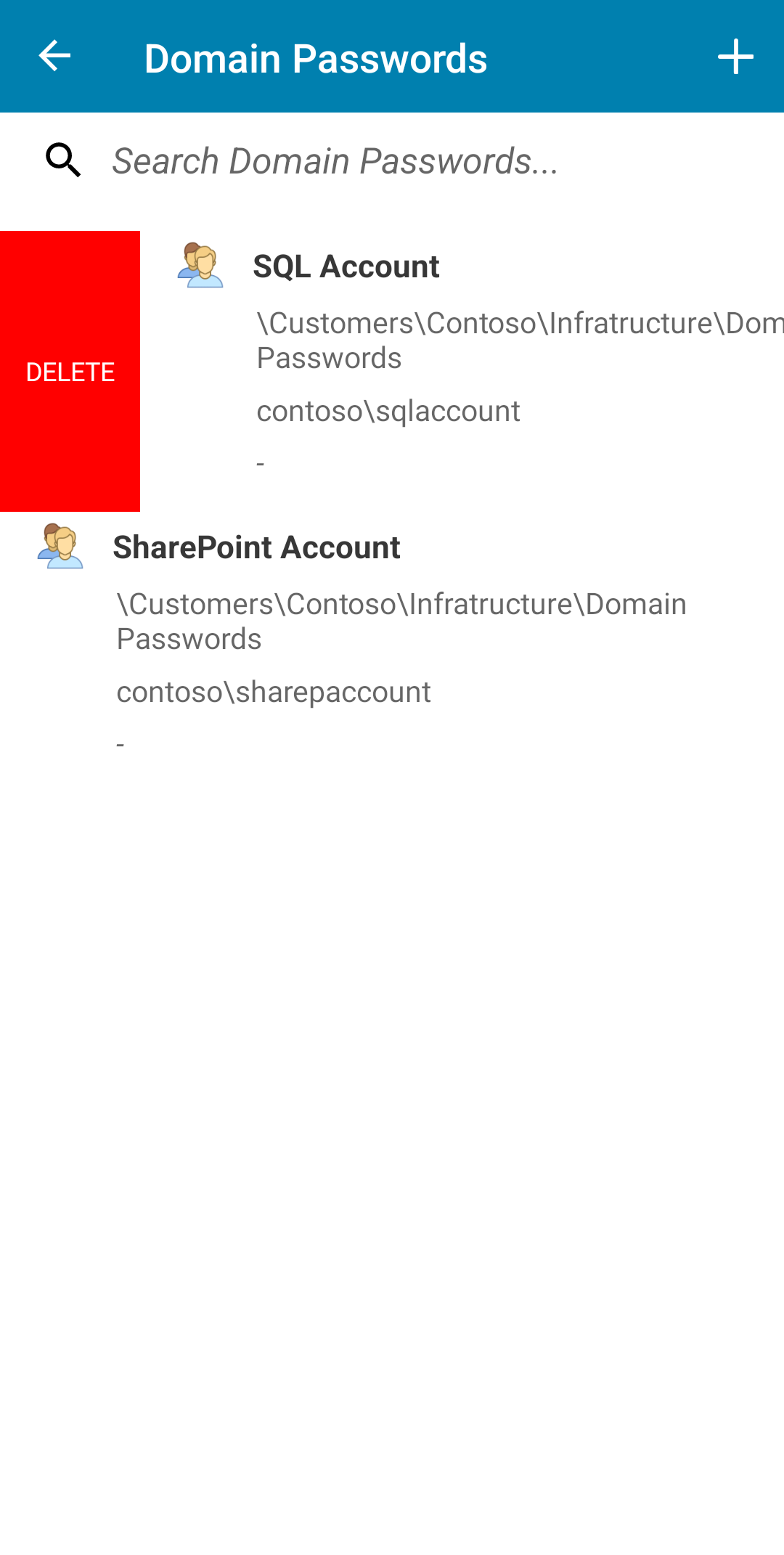
- Swipe left on a record to Edit
- Swipe right on a record to Delete
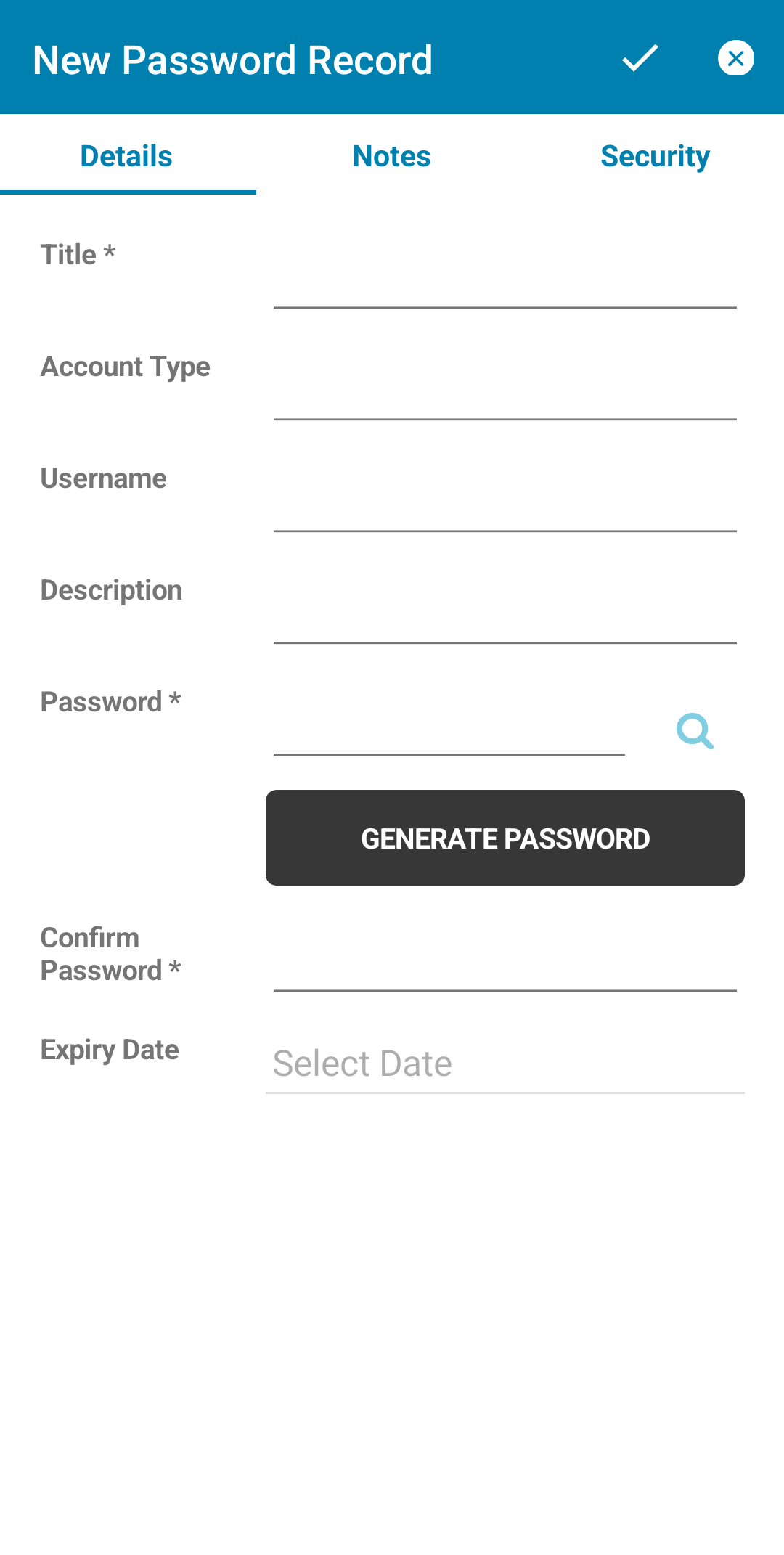
- Add a new record via the + button in the top right hand corner
 |  |  |
 |  |  |