
Settings
The settings screen is for configuring features such as biometric authentication, website autofill service, app lock time-out, clipboard time-out, homepage and light / dark-mode themes.
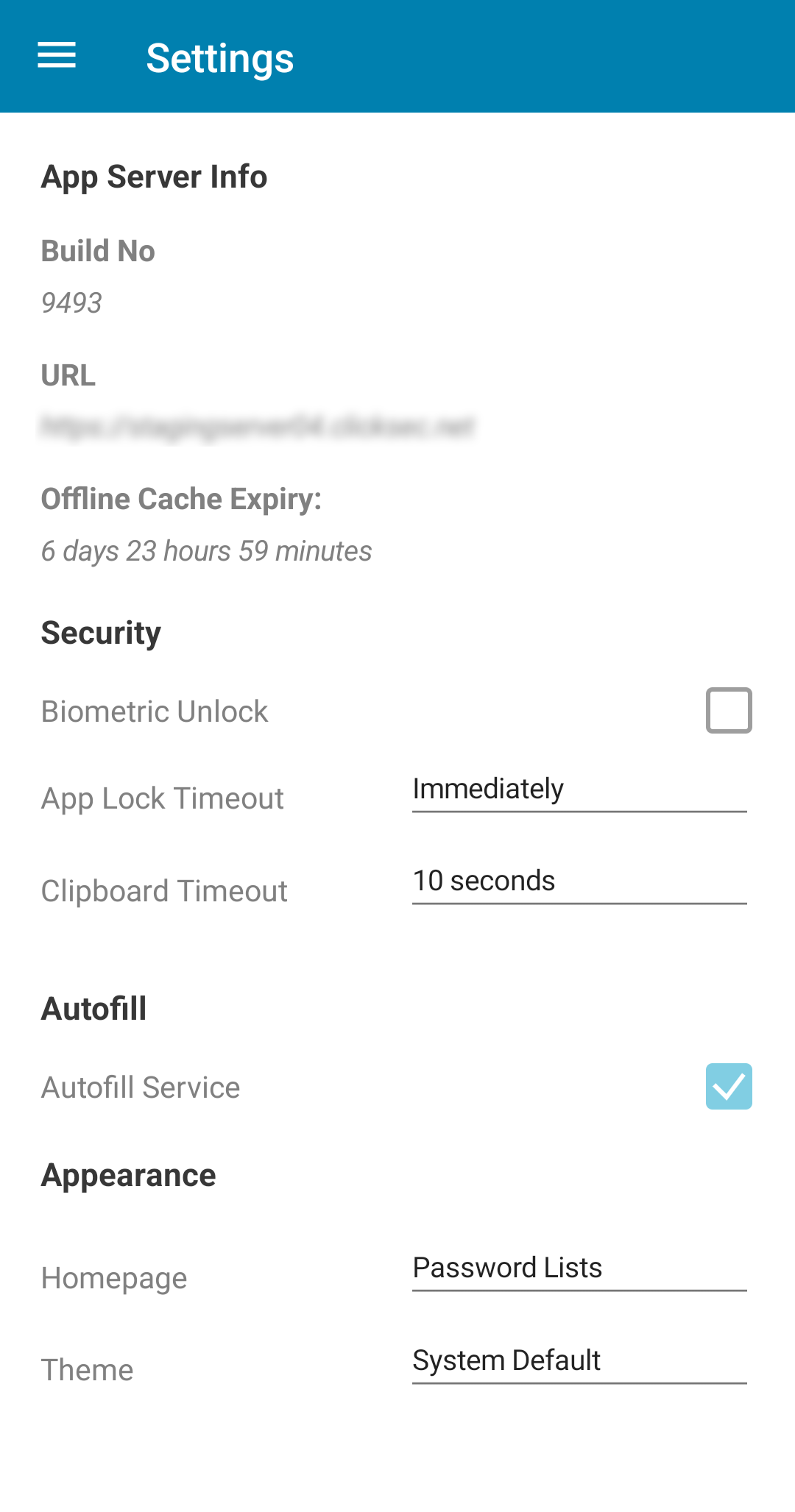
Biometric Unlock
As an alternative to Master Password authentication, the app can also integrate with the device's biometric system (if supported).
You must have the device's biometric settings configured prior to activating the Biometric Unlock feature in the Passwordstate Mobile App.
App Lock Time-Out
Based on this setting the app will automatically return to the lock screen immediately or after X amount of minutes.
Clipboard Time-Out
Based on this setting the app will attempt to clear the device's clipboard after copying any detail in the Password Record View.
Autofill Service
Android
| If your device is running Android Oreo (8.0) or greater the app is able to integrate with Android's Autofill Framework. You may activate this feature by toggling the check-box, which then re-directs you to Android's System Settings where you must select Passwordstate as an autofill provider. Please note the effectiveness of this feature can vary depending on your version of Android and if the browser you are using supports the Android Autofill Framework. We have had best experience using the latest version of Google Chrome. | 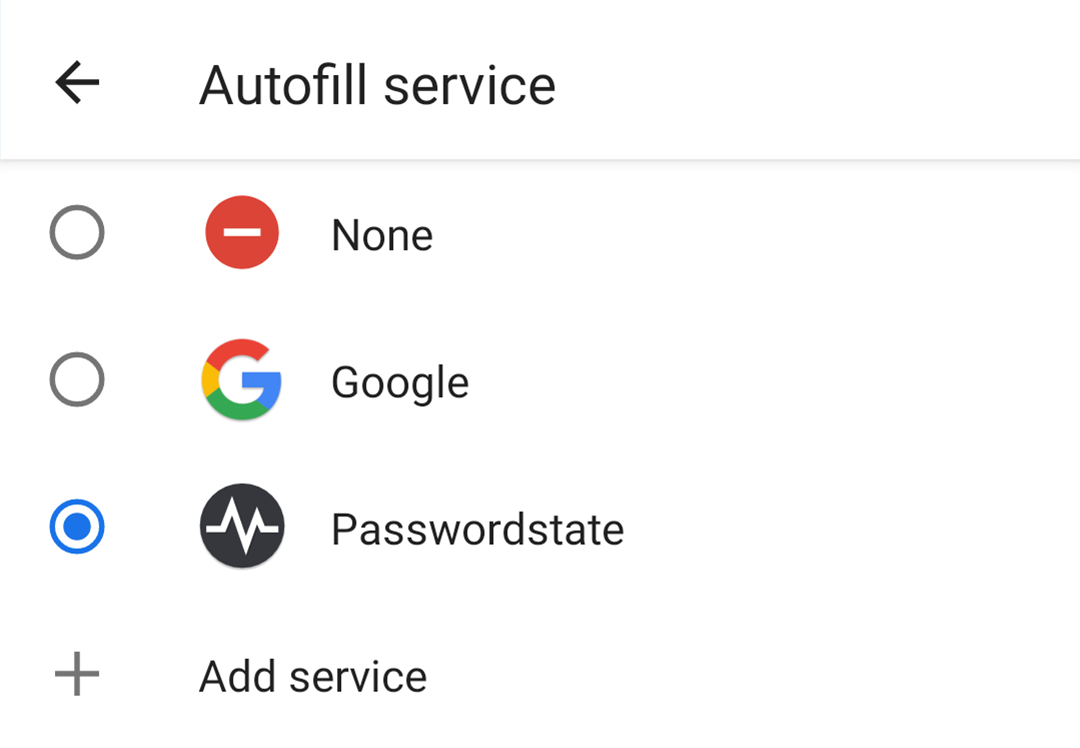 |
iOS
| If your device is running Apple iOS 13.0 or greater the app is able to integrate with Apple's Password Autofill. You must activate this feature outside of the app by navigating to Apple's System Settings -> Passwords -> Autofill Passwords and then selecting Passwordstate. For the best experience, it is recommended to only have Passwordstate as the selected auto fill option. | 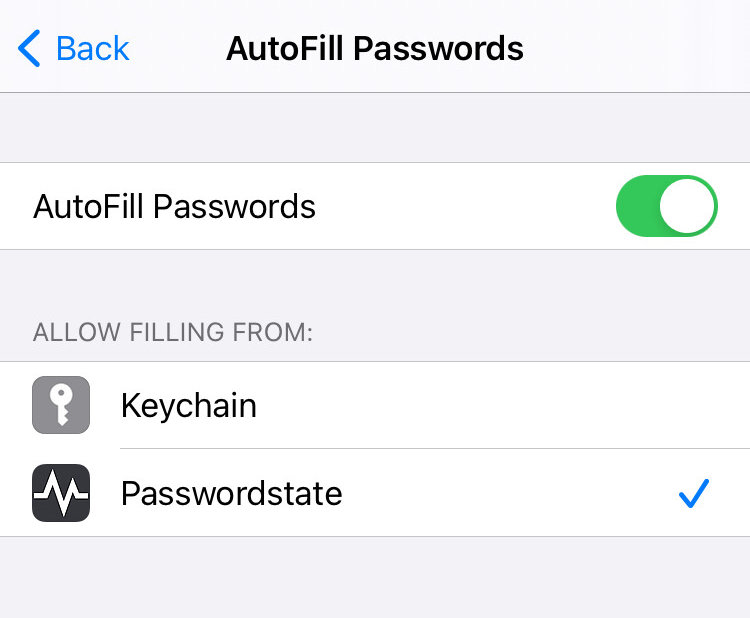 |
Homepage
Determines which page is shown initially after an unlock.
- Password Lists
- OTP
- Search
Theme
- System Default - if supported by the device's operating system this option will use the appropriate Light or Dark theme, otherwise it will default to the Light option
- Light - standard Passwordstate blue theme
- Dark - dark-mode variation