Upgrade Instructions
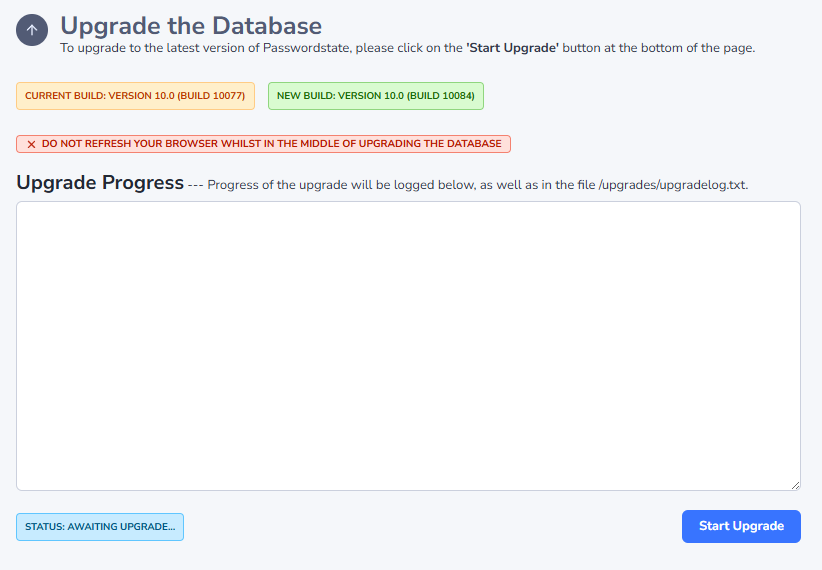
After running the installer which upgrades all your files, you then browse to your Passwordstate URL so the database can also be upgraded.
When doing this, you will be presented with either 1 or 2 screens - if you normally authenticate using SAML, there is no requirement to authenticate for the database upgrade portion of the process.
Authentication Screen
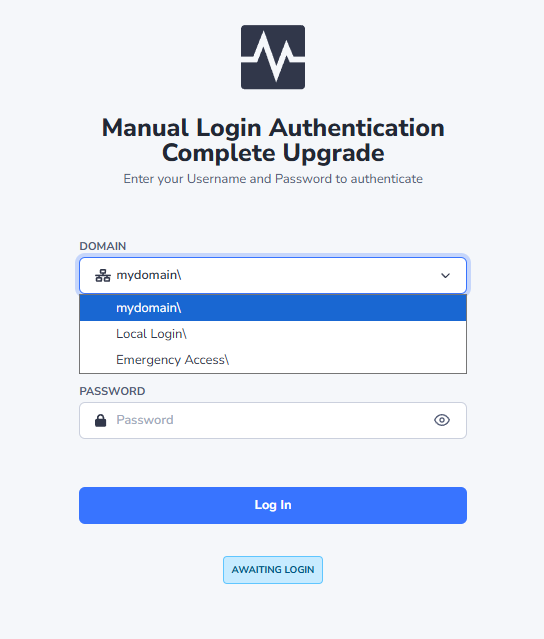
Prior to upgrading the database, you may be presented with the screen below. You can either authenticate here with an Active Directory account, a Local account within Passwordstate, or the Emergency Access account.
If authenticating with the Emergency Access account, you need to enter 'emergency access' as the User Name field - without the single quotes.
After authenticating, you will be presented with the screen below, allowing you to process with the database upgrade.