Maintenance Mode
Maintenance Mode is a feature you can optionally turn on before you start an upgrade.
This feature will trigger a pop-up notification for any active user in their browser, and advise them to save their work and log out of Passwordstate. The default time for users to log out is 5 minutes, but this is configurable when turning on this feature.
Once the system is in Maintenance Mode, the website will not be accessible by anyone apart from the user who turned on Maintenance Mode. The Passwordstate Windows Service and APIs will also be unavailable whilst the system is in this state.
When the Upgrade is complete, Passwordstate will automatically be taken out of Maintenance Mode and all services will resume as normal.
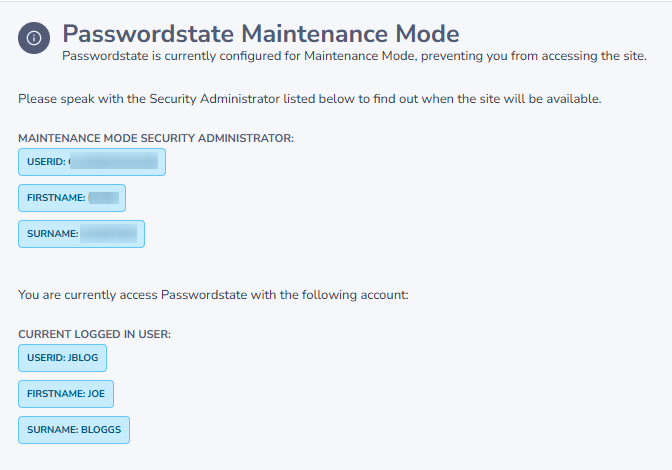
Below is a screenshot of what your users will see, when the system is in Maintenance Mode, with usernames redacted: