
Configure Backups Screen
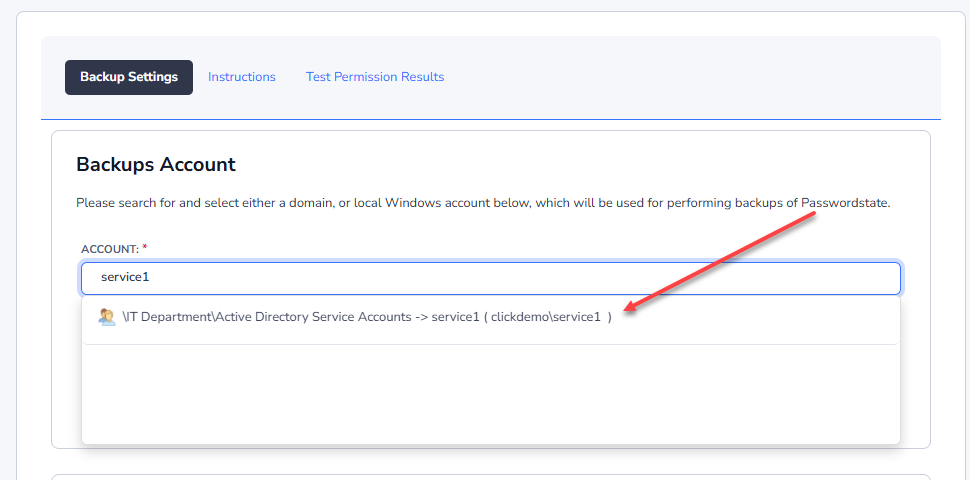
In Passwordstate, go to Administration -> Backups -> Settings and add in the backup account that you previously set up in Step 2.2 of this document. Search for the account name and select the matching result to set the account:
Next, select the option to Enable Backups and choose a schedule of your choice. Add in the Network Share path for both web files, and database backup paths, and configure any other settings as appropriate on this screen. Please note the option for Database Location is enabled because in this example, SQL is installed on a different server to the Passwordstate website.
You should now be able to press the Test Permissions button on this page and if all configured correctly, you will get a successful result and your configuration of backups is complete.