Encrypting/Decrypting Configuration Files
If you are already familiar with the basics of encrypting or decrypting web.config files, skip straight to section “Encrypting Config Files” or “Decrypting Config Files”.
For those new to this concept, Passwordstate has many different forms of built-in security to help protect your data. The Microsoft Windows operating system also has features available to help secure your environment.
Encrypting your web.config files is a Microsoft Windows feature that removes sensitive information from those files, that an attacker could use to potentially gain access to your database.
This document explains how to encrypt and decrypt your web.config files for each relevant module in Passwordstate, and how this process helps secure your data.
Notes
- Encrypting or decrypting these files will terminate any active sessions, so it’s best to schedule this process out of hours when no one is using the software.
- If you intend to rename your server host name, or move your Passwordstate website to a different server, you should decrypt your web.config file first, and re-encrypt it again once the renaming or migration is complete.
- The encryption and decryption commands are very similar, so it’s important to follow the correct section of this guide, depending on your requirements.
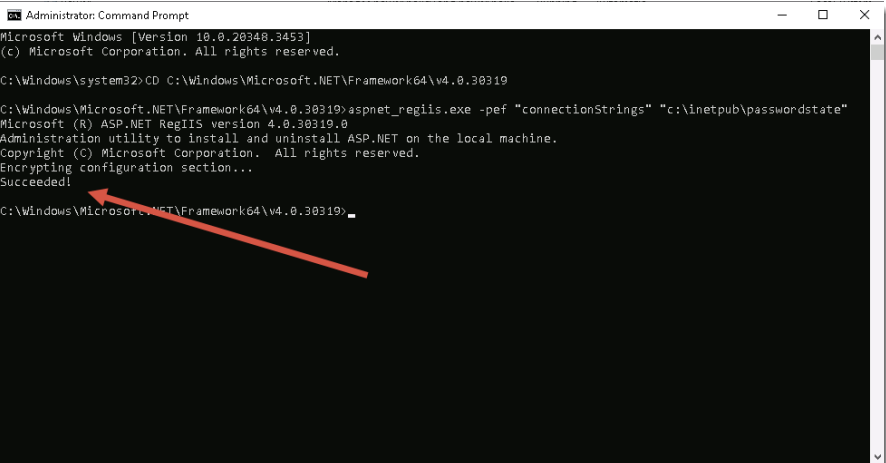
- When you successfully encrypt or decrypt a file in a command prompt, you will see a Succeeded! message as per the screenshot below: