
KB: Turning off Custom Errors
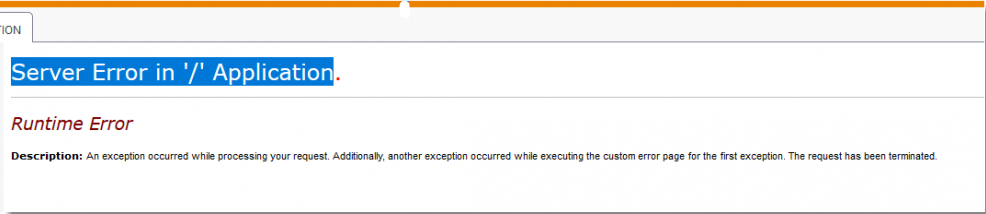
At some point, if things aren't set up correctly, it's possible you could run into an error message like the one below:
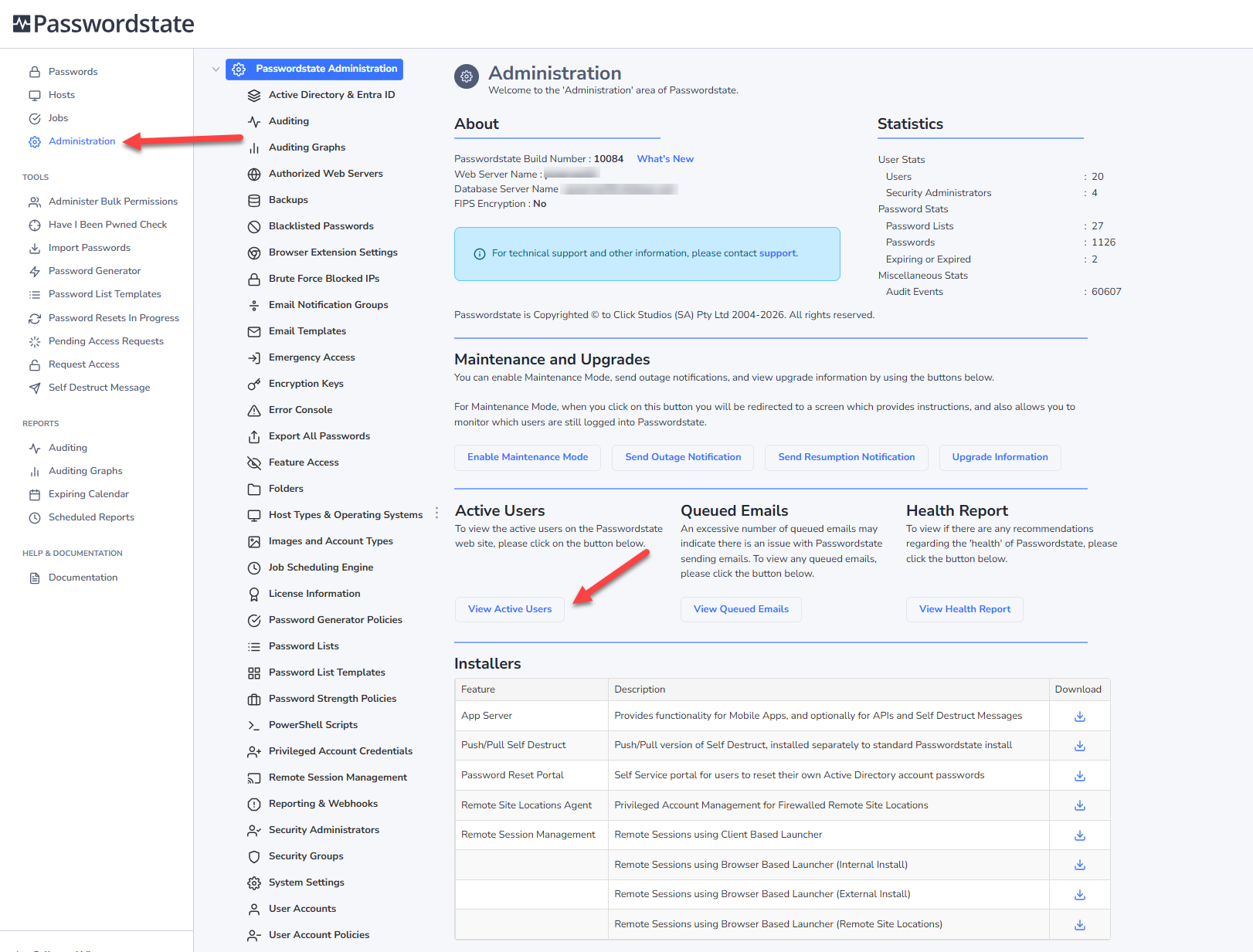
To do this, first ensure no one is using the system, otherwise the next step will forcefully terminate their session. You can view if there are any active users from the Administration area:
Next, please log into your Passwordstate server and open notepad as Administrator, browse to and open the c:\inetpub\passwordstate\web.config file, and then change the customerrors node to “Off” instead of “On”. See screenshot below of this:
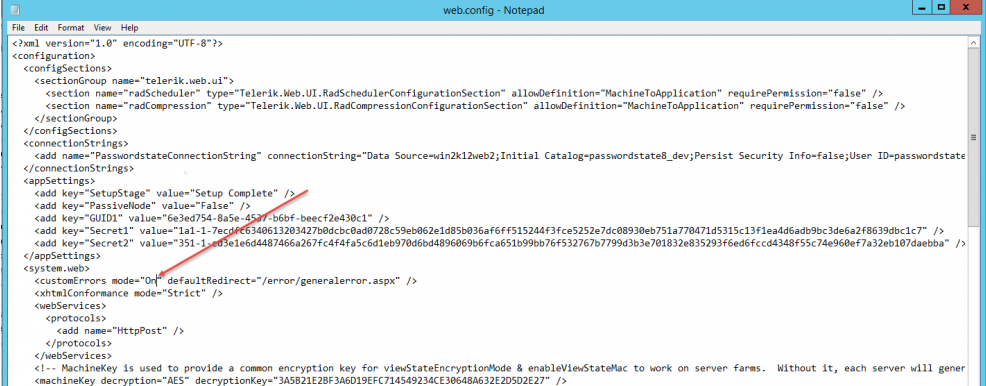
After saving this, please log back into Passwordstate and try going to the same page again that was generating the error, and this time you should get a more verbose error message. If the error message doesn't help you identify the issue, please send a screenshot of this to Click Studios Support.