
Passwordstate Open Port Requirements
Provides documentation for various ports that are required to be open for Passwordstate, and its various modules.
Overview
This document describes the ports that are required to be open in order for Passwordstate and all of its extra modules and tools to function correctly.
If you want to do some open port tests, you can use the following Powershell commands/syntax:
Powershell
Test-Netconnection <server name> -Port <port number>or
Powershell
Test-Netconnection <url> -Port <port number>For example, in my screenshot below, I am testing that my Passwordstate server is accessible on port 443:
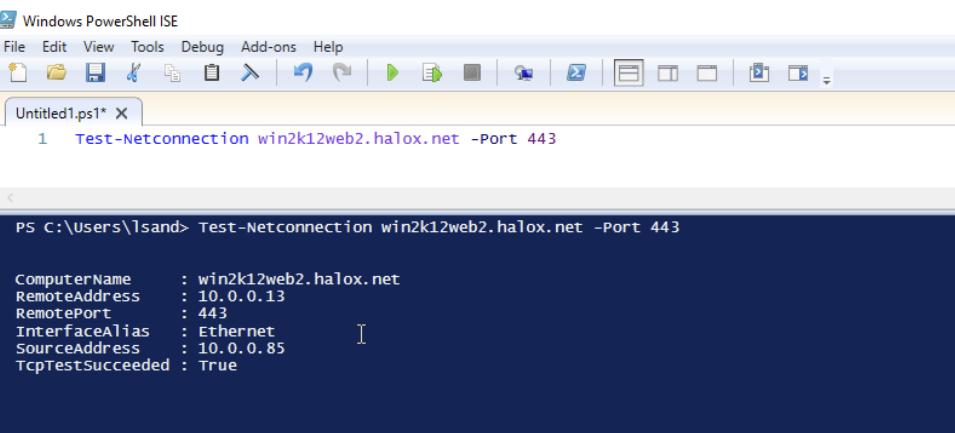
In my second screenshot, I am testing my Passwordstate URL is accessible on port 443:
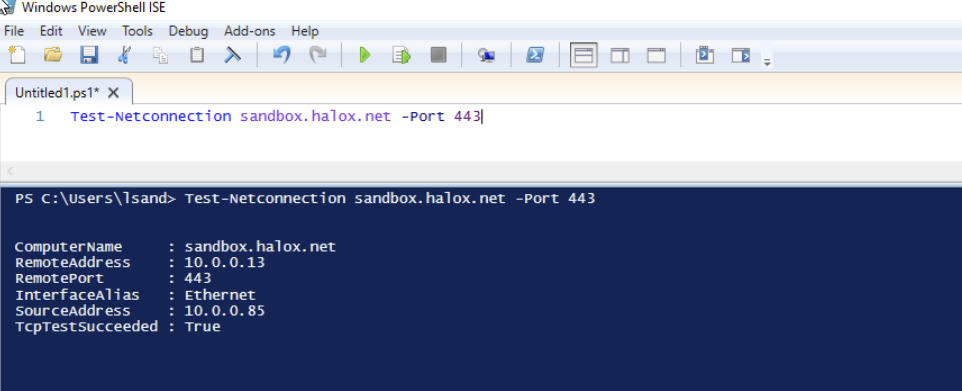
As long as the TcpTestSucceeded is True then the port is open.